Test reports
JUnit XML and Playwright JSON reports open with the failures first.
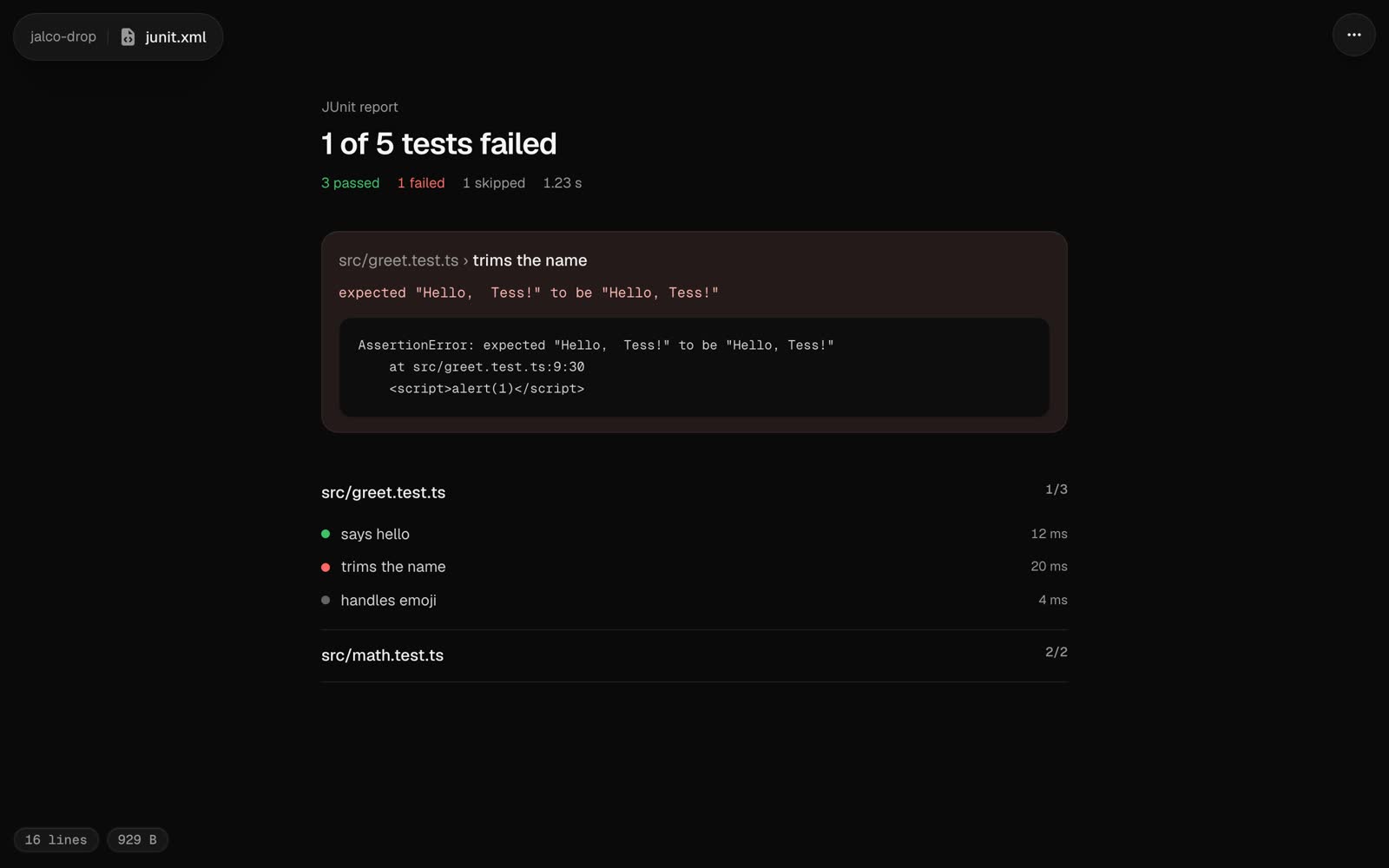
A test report opens with pass and fail counts at the top, then every failure with its message and stack, then every suite.
Two kinds of report work:
| Report | How it’s spotted |
|---|---|
| JUnit XML, from almost any test runner or CI | An .xml file with <testsuites> or <testsuite> at its root |
| Playwright’s JSON reporter | A .json file with Playwright’s config and suites |
Making a report
# Playwright
PLAYWRIGHT_JSON_OUTPUT_NAME=results.json npx playwright test --reporter=json
jalco-drop results.json

# Vitest
npx vitest run --reporter=junit --outputFile=junit.xml
jalco-drop junit.xml

# pytest
pytest --junitxml=junit.xml
jalco-drop junit.xml
Playwright reports also show flaky tests, the ones that failed and then passed on a retry.
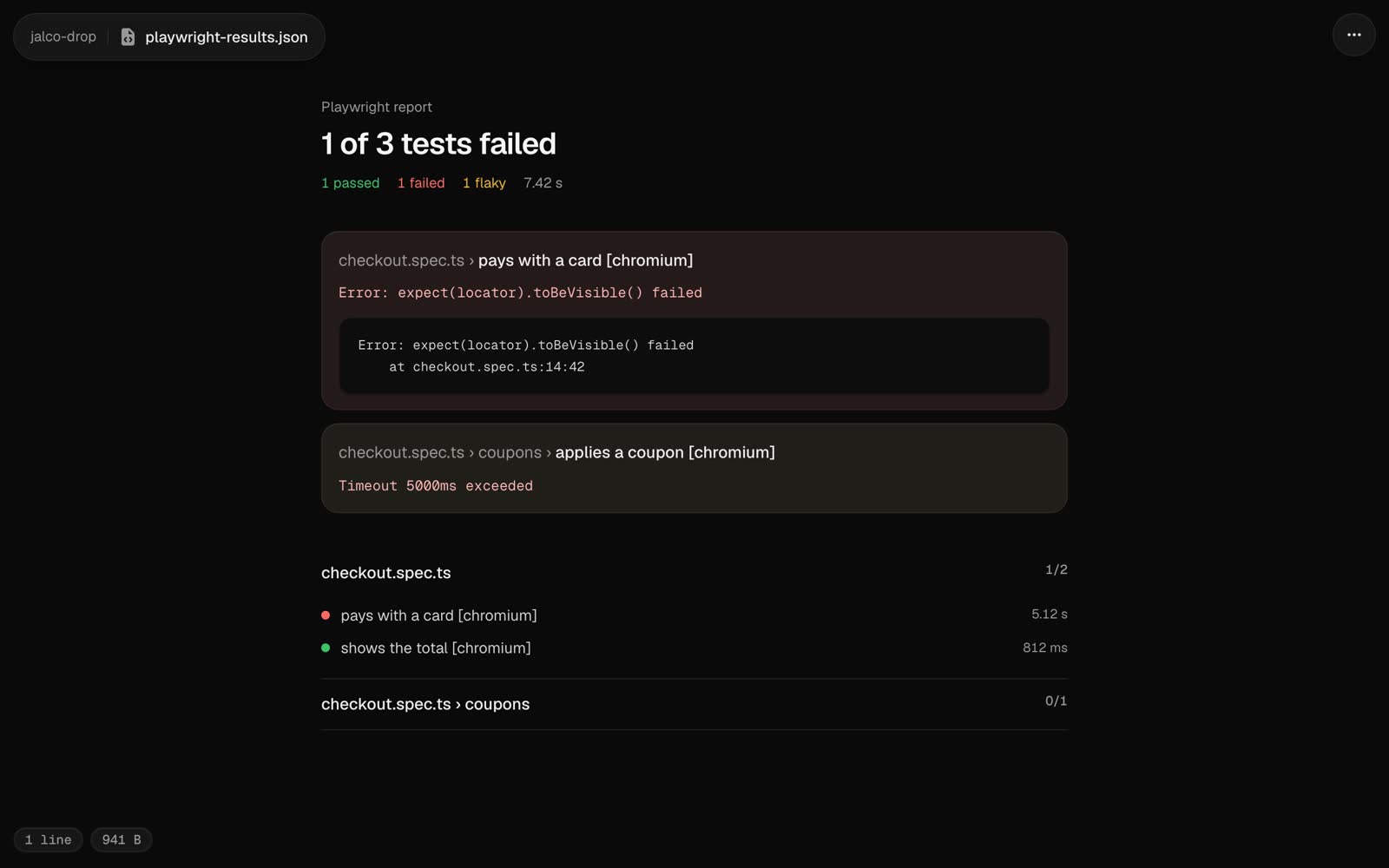
A report with more than 5,000 tests opens as highlighted code. Source in the ... menu, or ?view=source on the link, shows the report as text.