Code and text
Code opens highlighted in your theme with linkable lines, and terminal output keeps its colours.
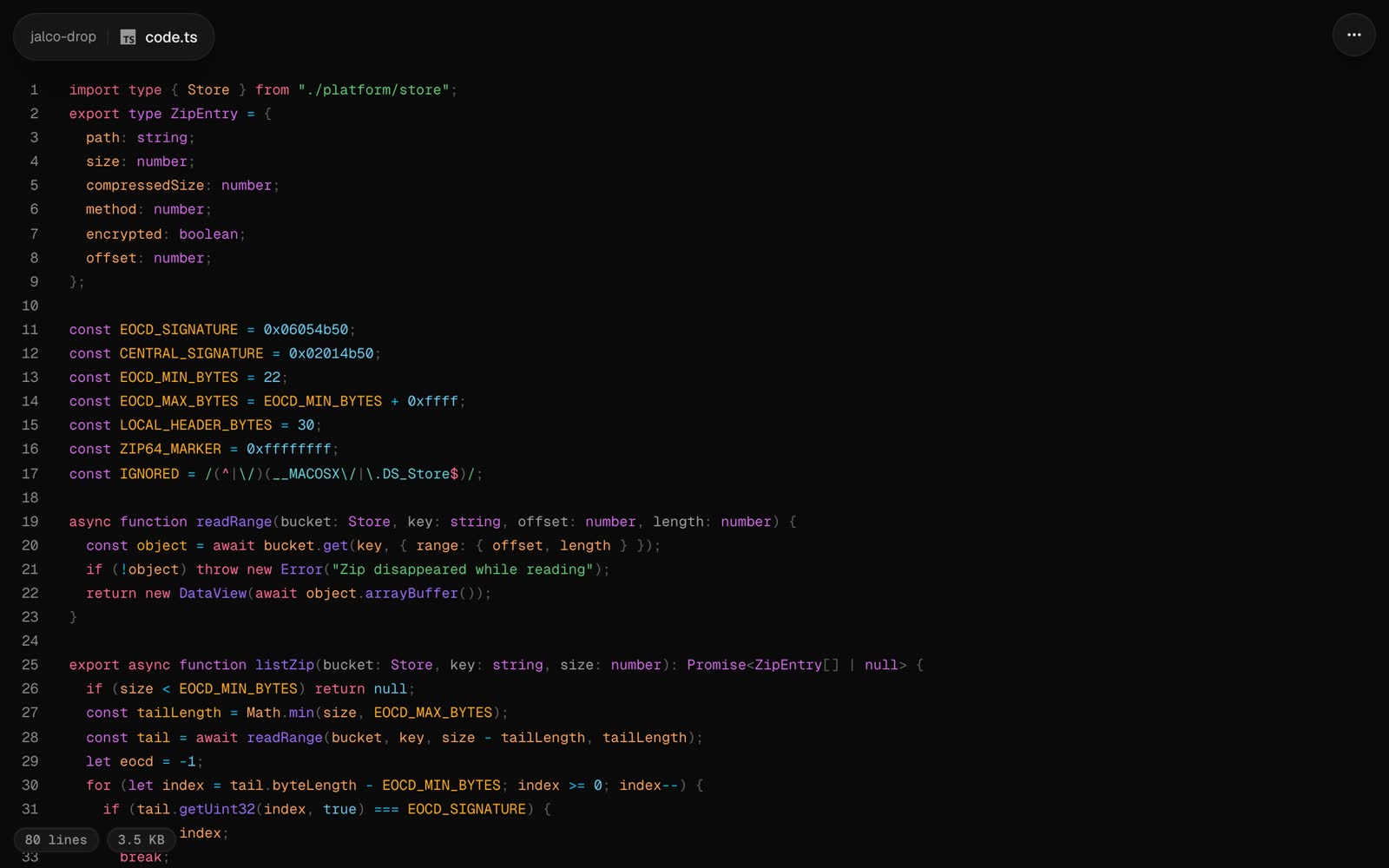
Any text file that isn’t one of the other formats opens as code: highlighted in your code theme, with line numbers. The file’s extension picks the language, from over 60 including TypeScript, Python, Go, Rust, Swift, SQL, YAML and shell. Anything else shows as plain text.
jalco-drop src/server.ts
pbpaste | jalco-drop -n snippet.py
Piped text uploads as paste.txt unless you name it with -n. The extension in the name picks the highlighting.
Link to a line
Click a line number to put #L12 on the link. Whoever opens it lands on that line, highlighted.
Terminal output
Text with terminal colour codes keeps its colours, whatever the file is called. Most tools drop their colours when their output is piped, so ask for them:
FORCE_COLOR=1 npm test 2>&1 | jalco-drop -n test.log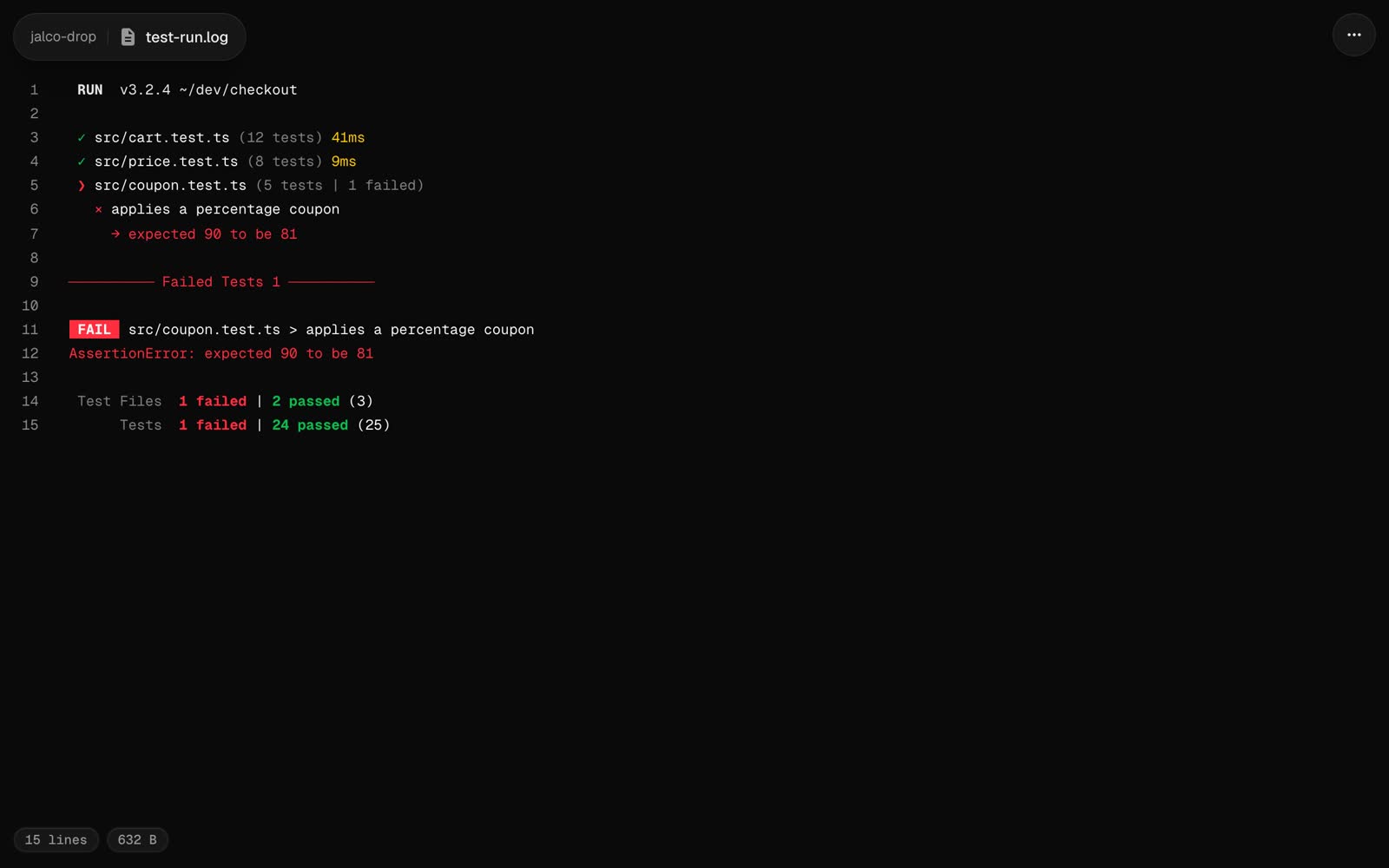
Size
Text files over 512 KB open as a download page instead of a preview. The raw file is at /<slug>/<file name> either way.