HTML
An HTML file opens as the page it describes, running in a sandbox that keeps its scripts away from your site.
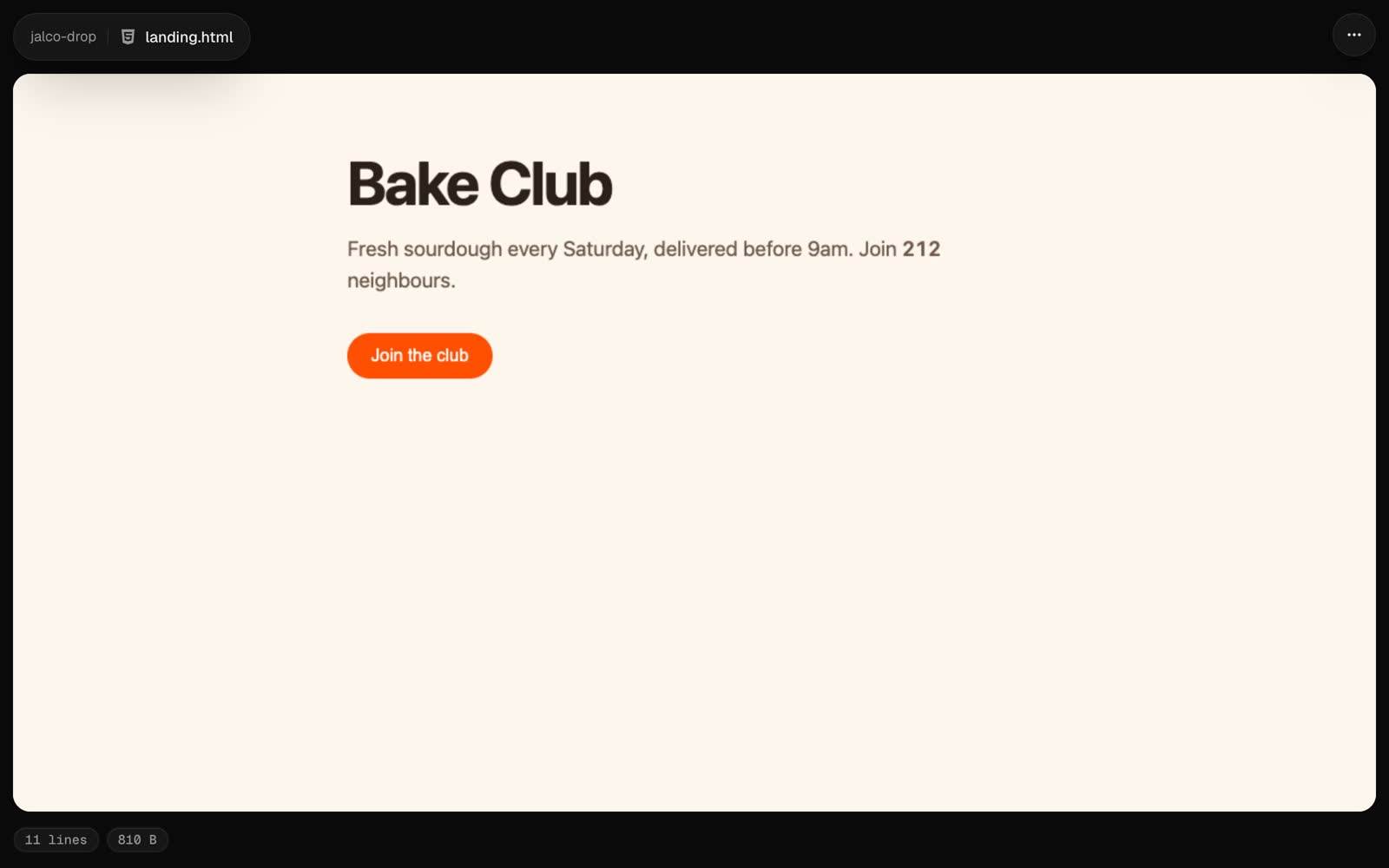
A .html or .htm file opens as the page itself, in a frame that fills the drop. Scripts, forms and pop-ups work, so a prototype, a report or a generated page behaves the way it did on your machine.
jalco-drop prototype.html
jalco-drop -s pricing-v2 pricing.html
The sandbox
The page runs in a sandboxed frame on its own blank origin. Its scripts can run, but they can’t read your site’s cookies, sign in as you or reach any other drop. Opened directly, the raw file is served as plain text, so a link to it never runs anything.
One file at a time
Keep the page in one file: inline its CSS and JavaScript, or load them from a CDN over https. Files next to it, like ./style.css or ./logo.png, don’t load, because the frame can’t reach other files in the drop. Images can be inlined as data: URLs.
Source and raw
Source in the ... menu, or ?view=source on the link, shows the HTML with line numbers. The raw file is at /<slug>/<file name>, as plain text.