Images
Images open centred on the page, and the link preview is the image itself.
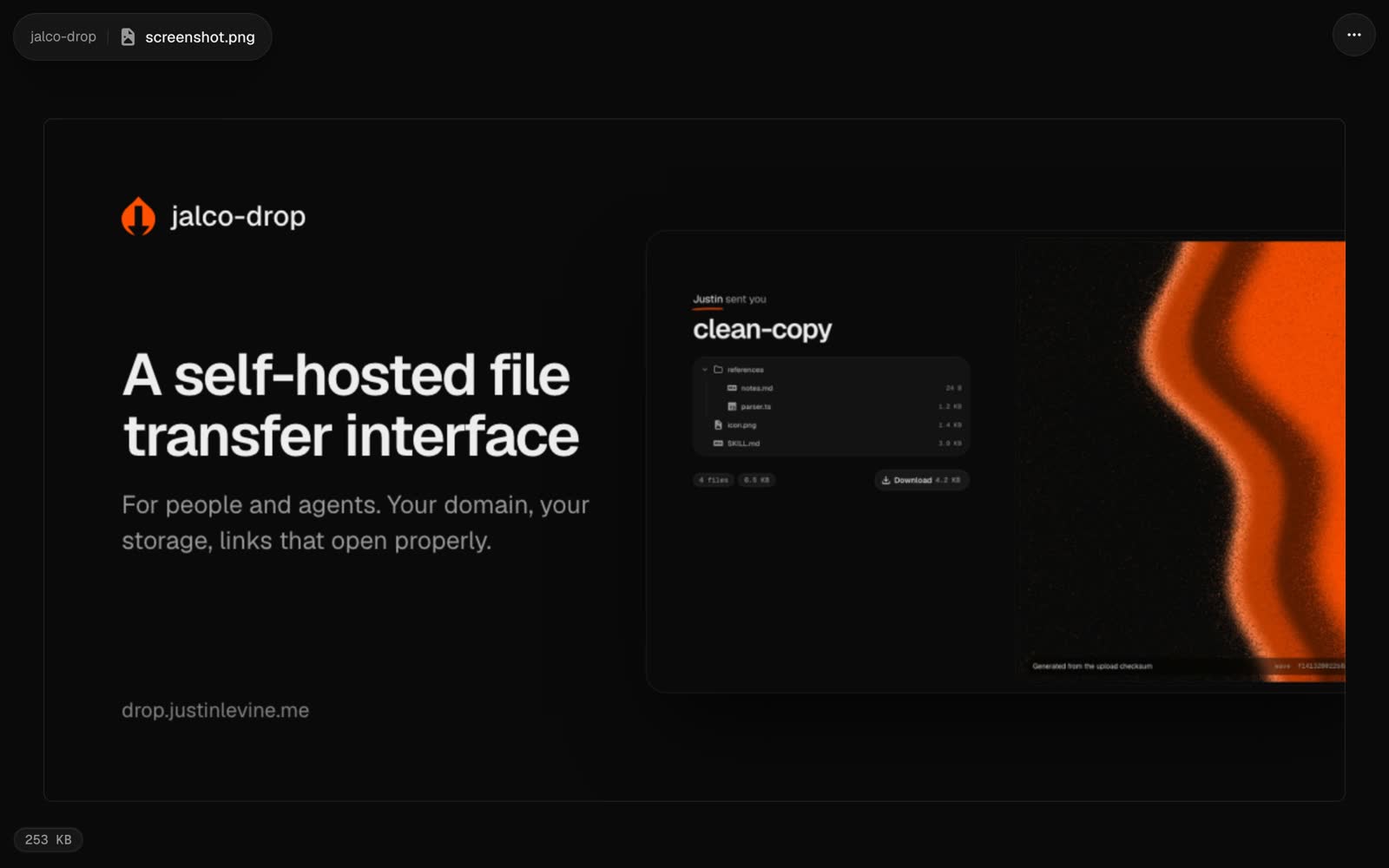
PNG, JPEG, GIF, WebP and AVIF images open centred on the page, at their own size or scaled down to fit.
jalco-drop screenshot.png
jalco-drop -e 1d ~/Desktop/bug.png
When you paste the link into a chat, the preview card is the image itself rather than a generated card.
For SVG, see SVG.