---
title: File types
sidebar:
  label: Overview
description: How each kind of file opens, and how to get at the raw bytes.
---

<video className="drop-video" src="/videos/formats.mp4" poster="/videos/formats.jpg" controls muted playsInline preload="none" aria-label="A markdown file with frontmatter, a CSV as a table, and a diff, each opening in jalco-drop" />

| Upload | Opens as |
| --- | --- |
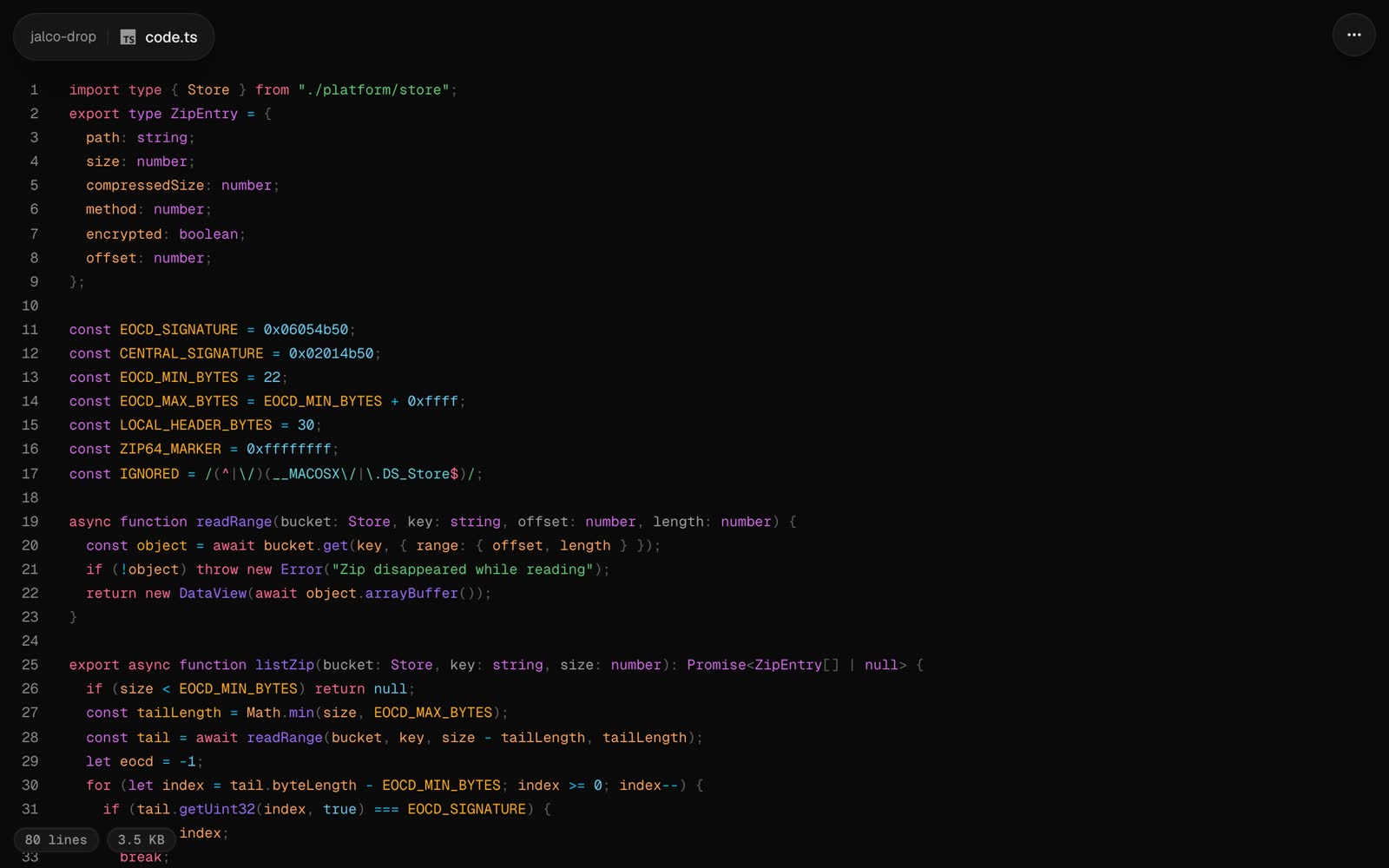
| Code and text (about 70 languages) | Highlighted in your [code theme](/v1.3/settings), with line links like `#L12` |
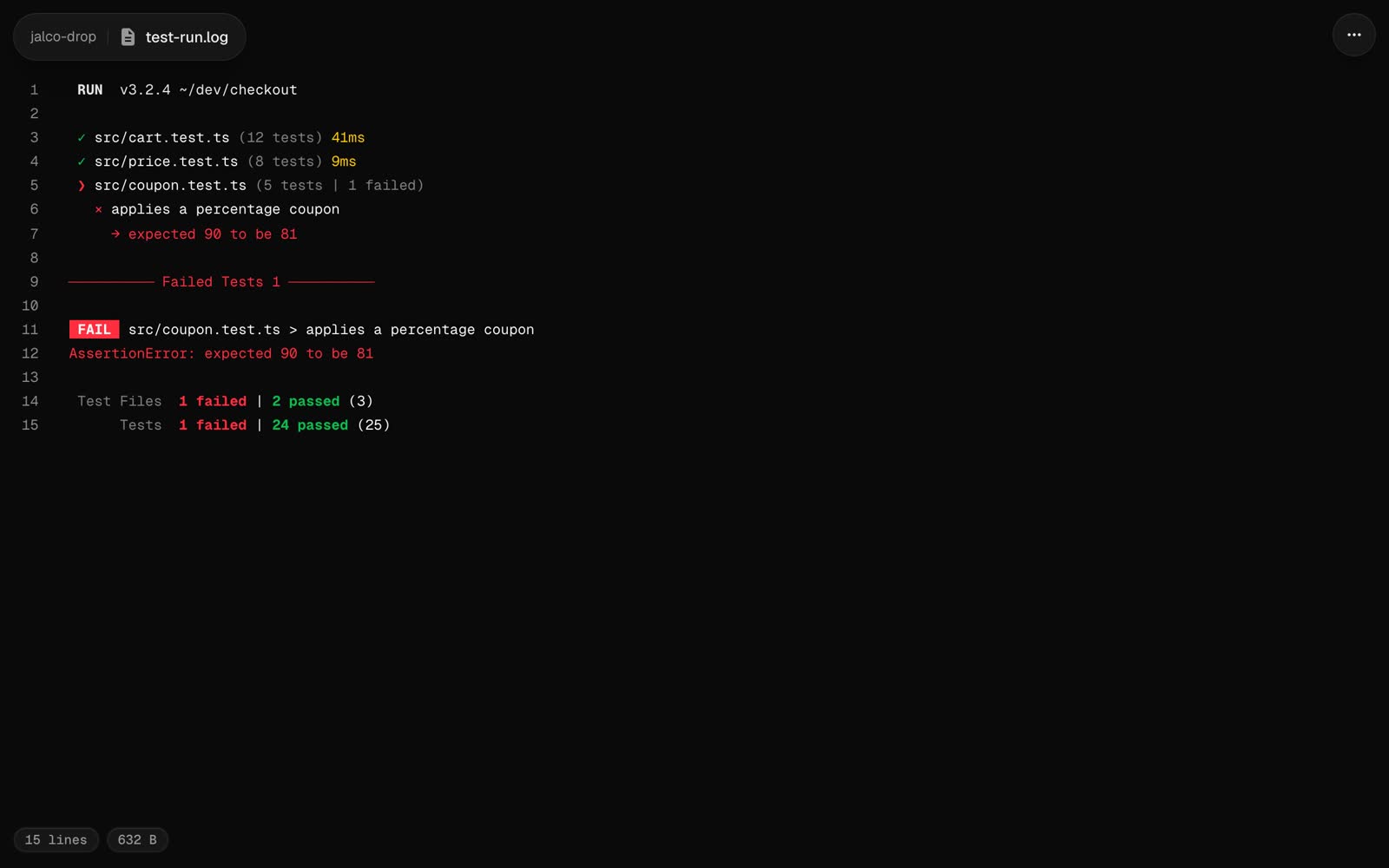
| Terminal output | In colour: any text with terminal colour codes keeps the colours it had |
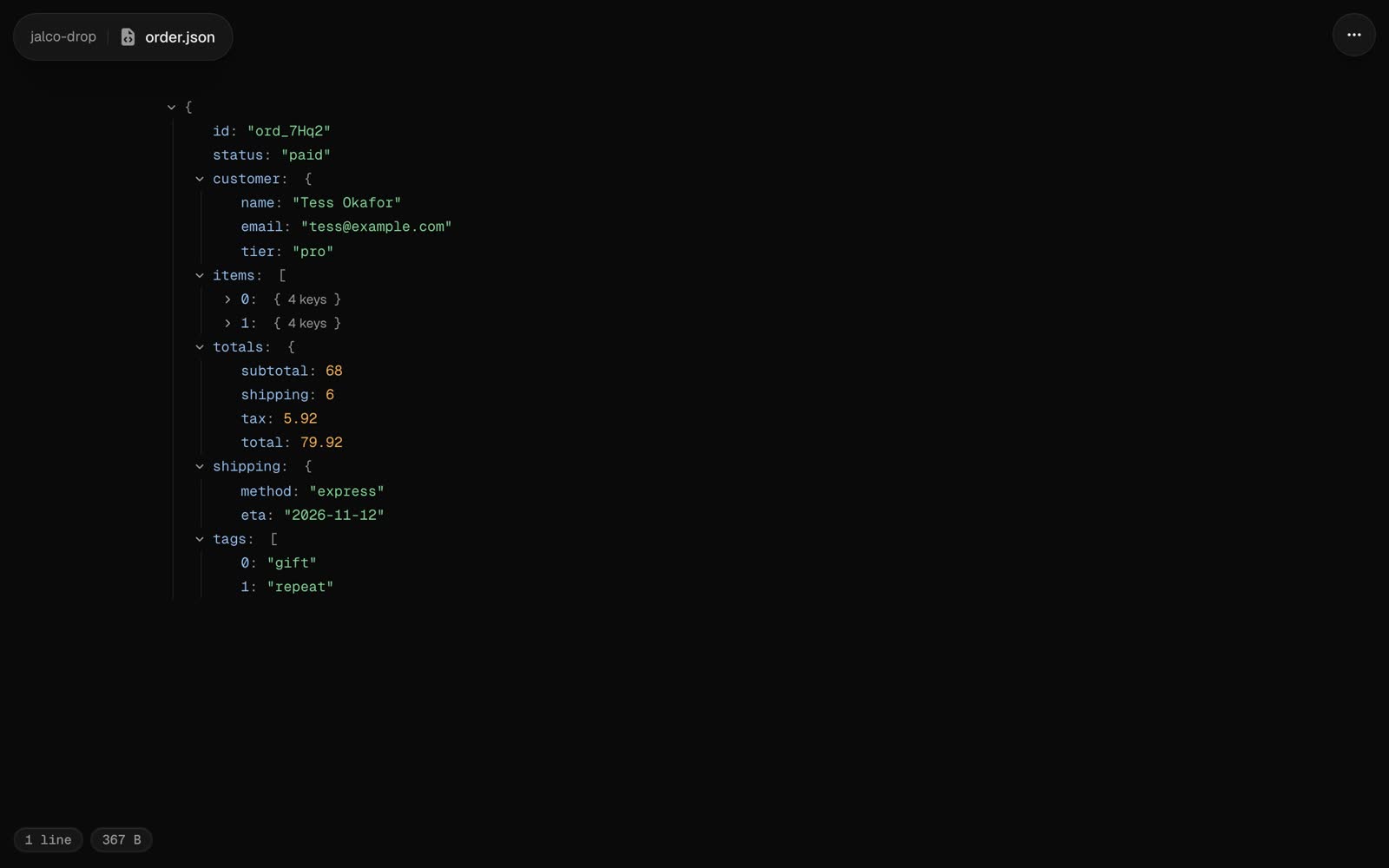
| JSON | A tree you can fold, open two levels deep |
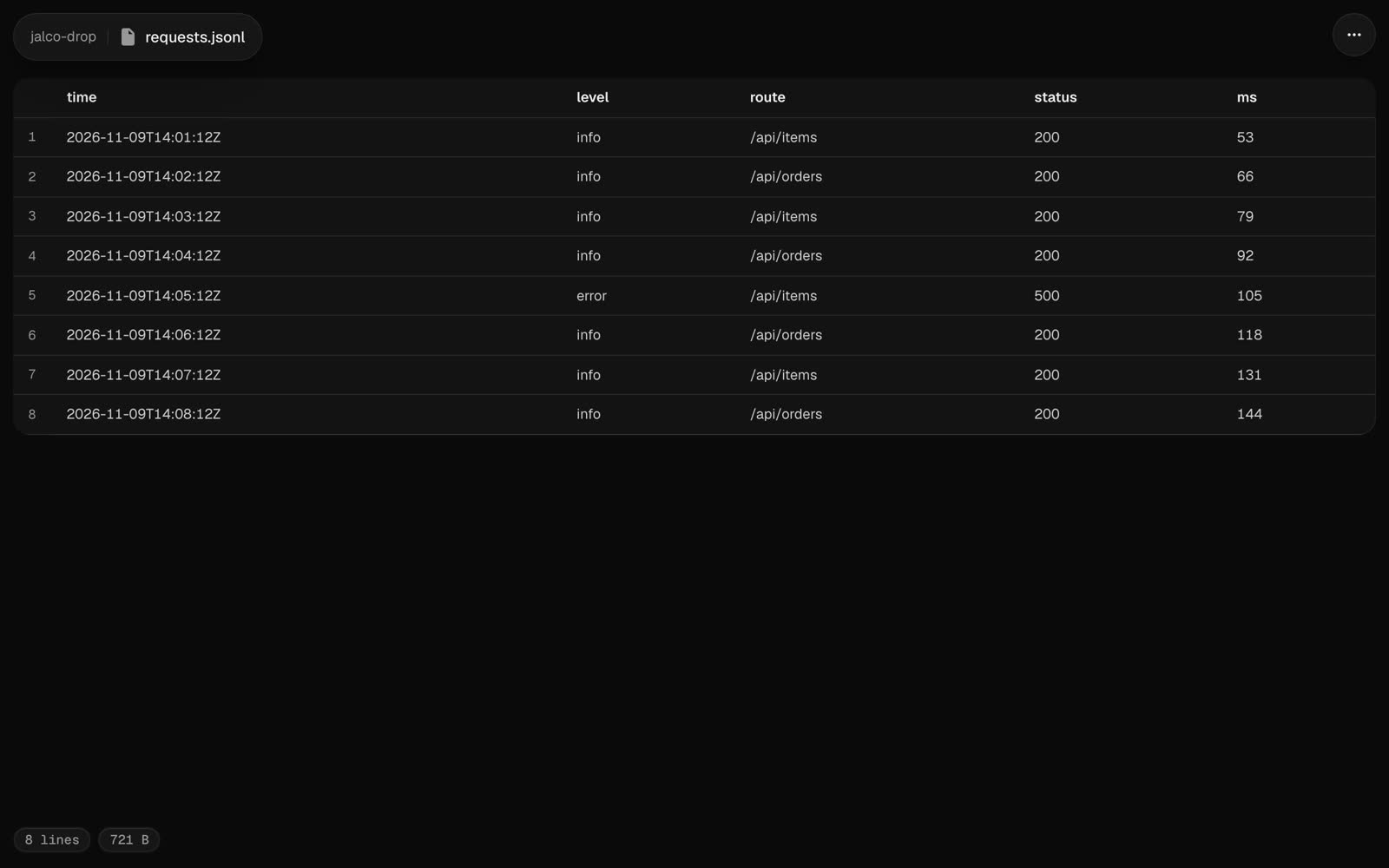
| JSON Lines (`.jsonl`, `.ndjson`) | A table, one row per line |
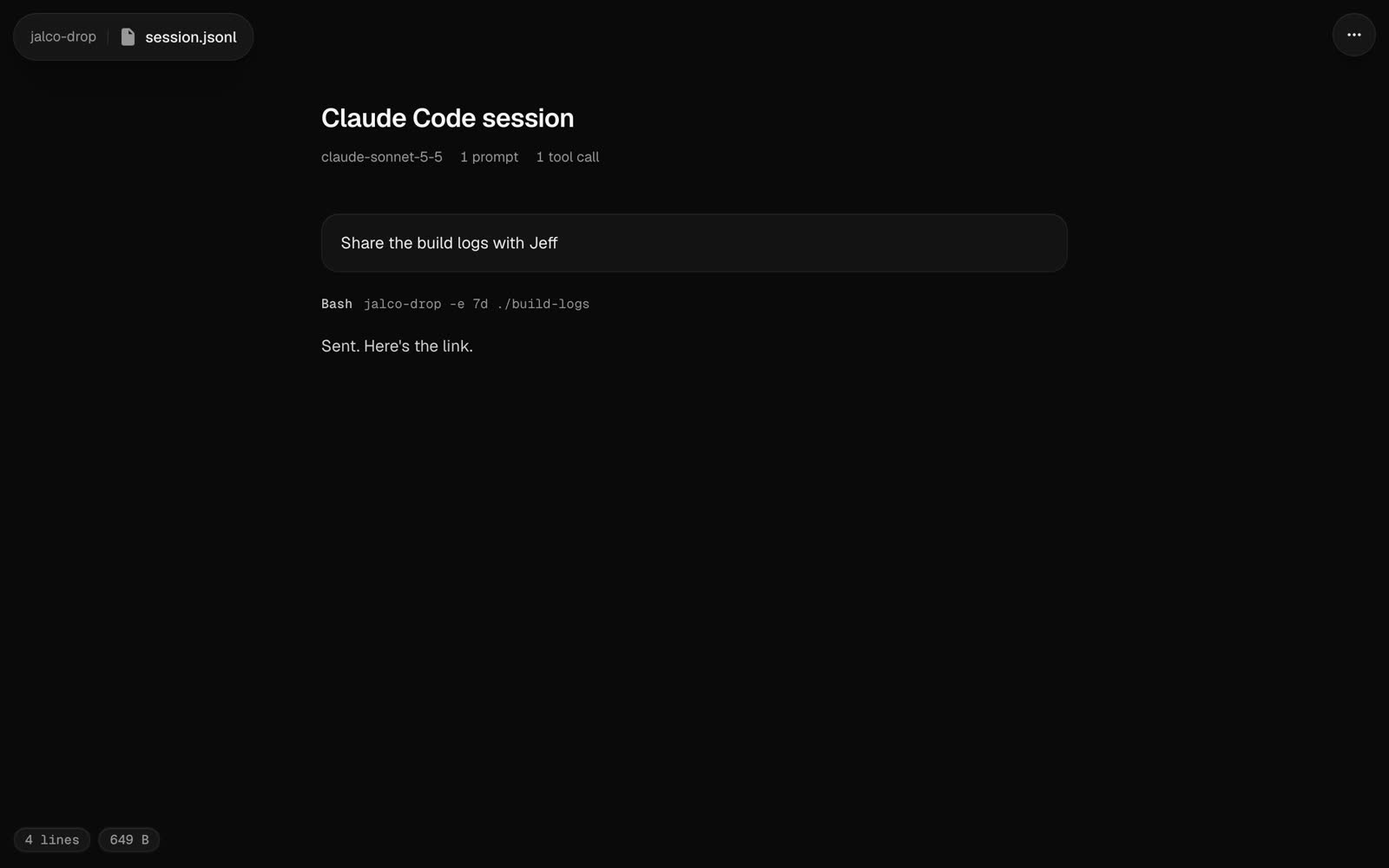
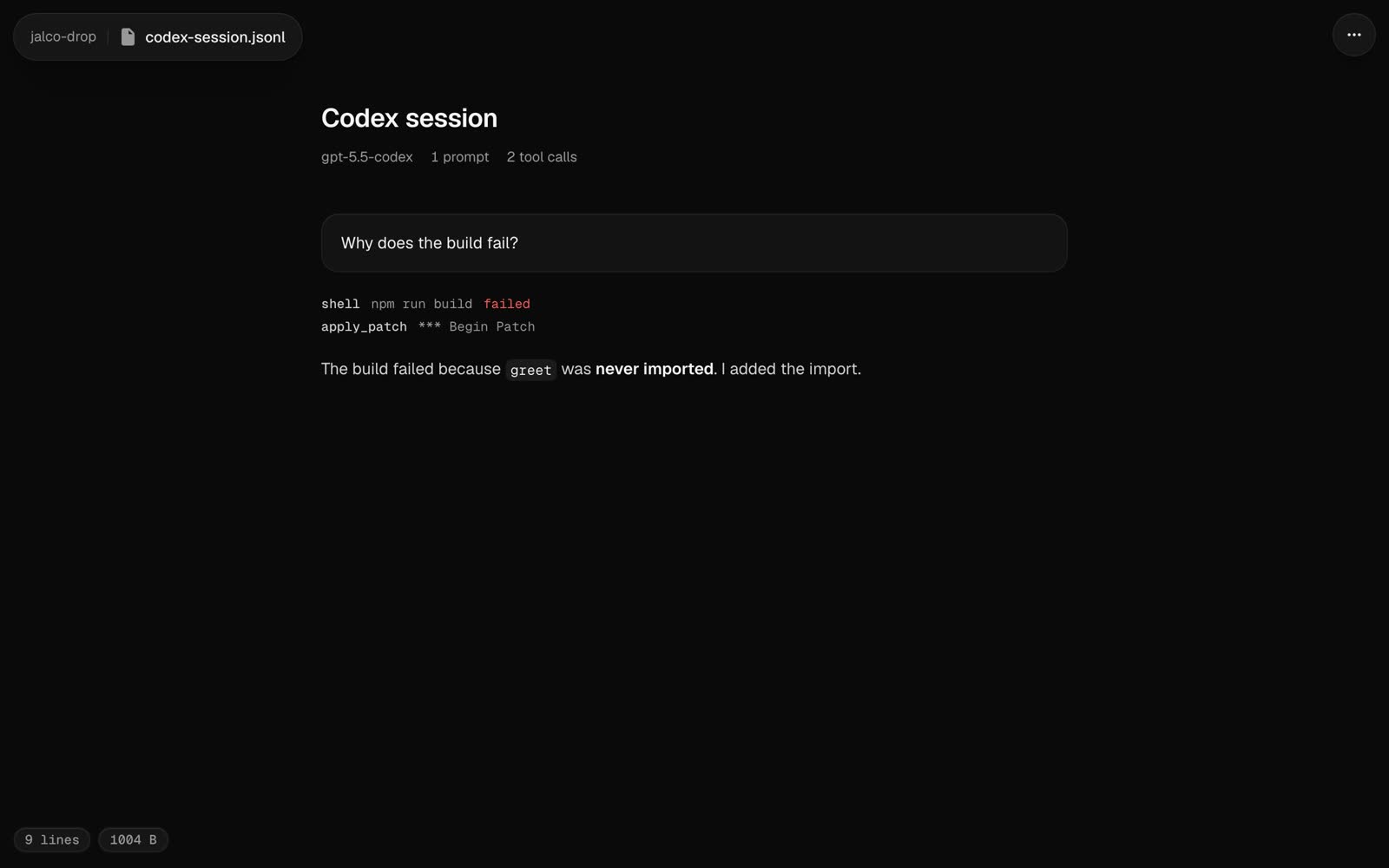
| [Claude Code, Codex and Pi sessions](/v1.3/file-types/agent-sessions) | The conversation: prompts, replies and one line per tool call |
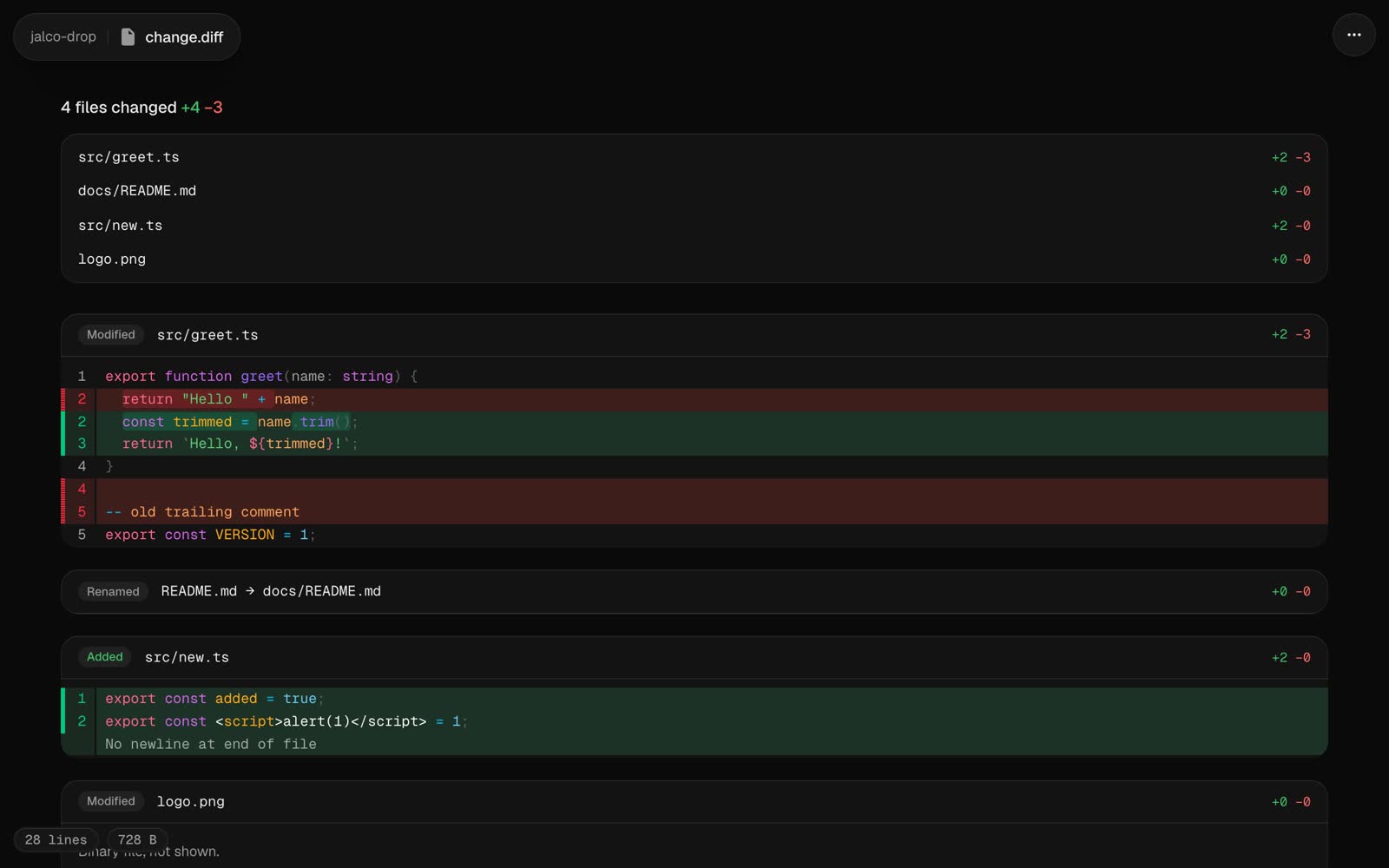
| Diffs and patches (`.diff`, `.patch`, or `git diff` piped in) | Every changed file with its status, `+`/`−` counts, and old and new line numbers. Several files get an index to jump between them |
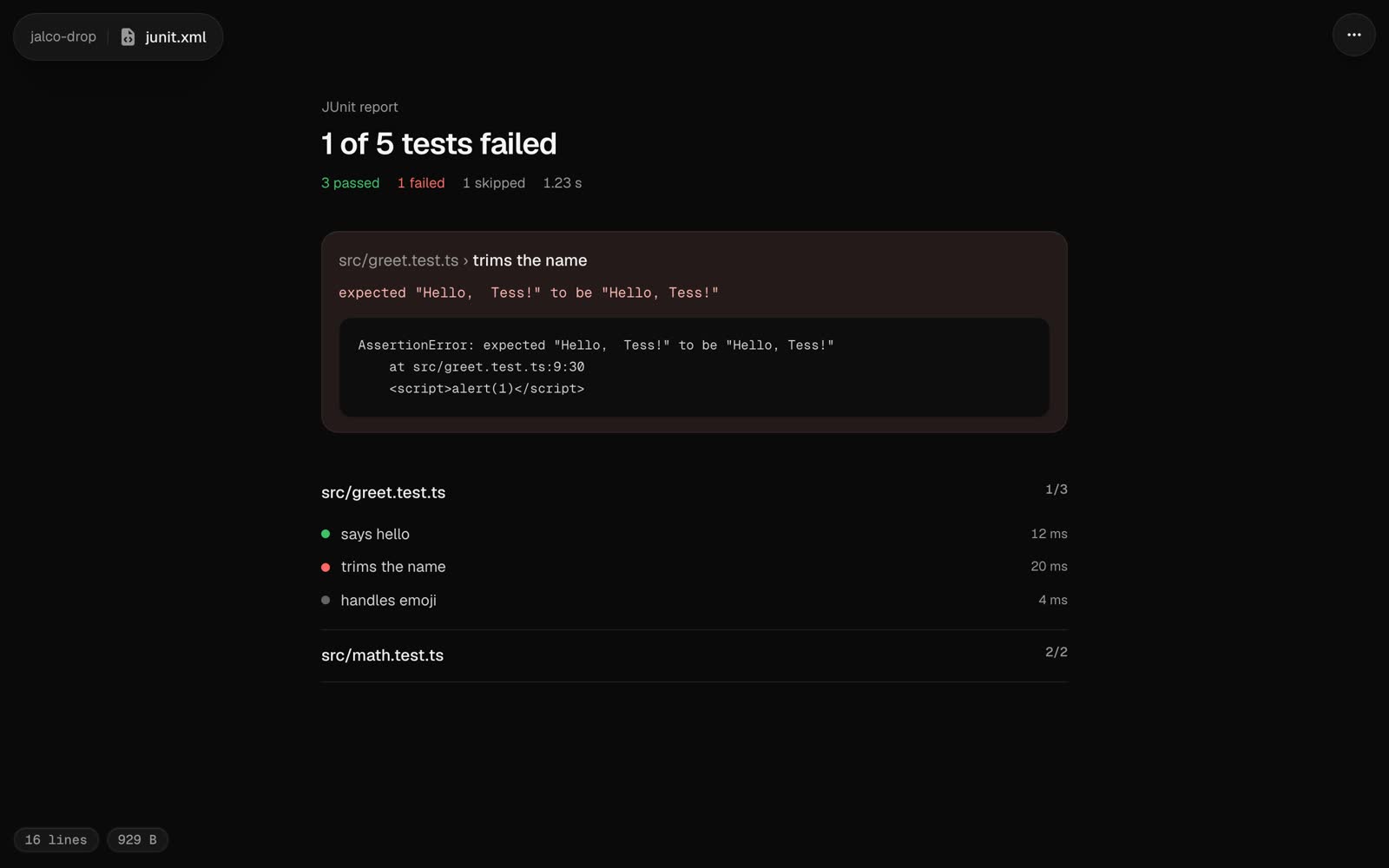
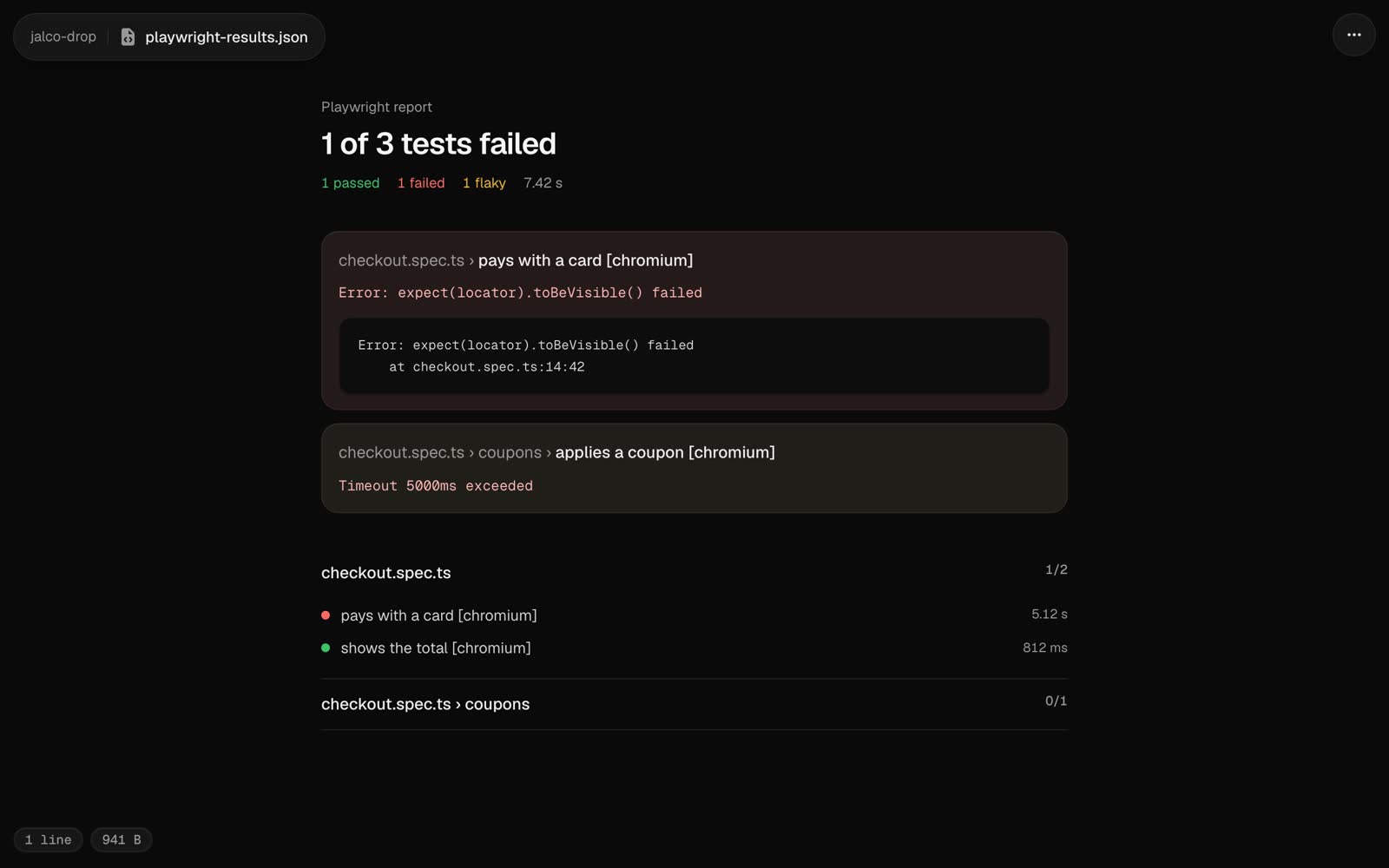
| Test reports (JUnit `.xml` from any CI, Playwright's JSON reporter) | Pass and fail counts, failures first with their message and stack, then every suite |
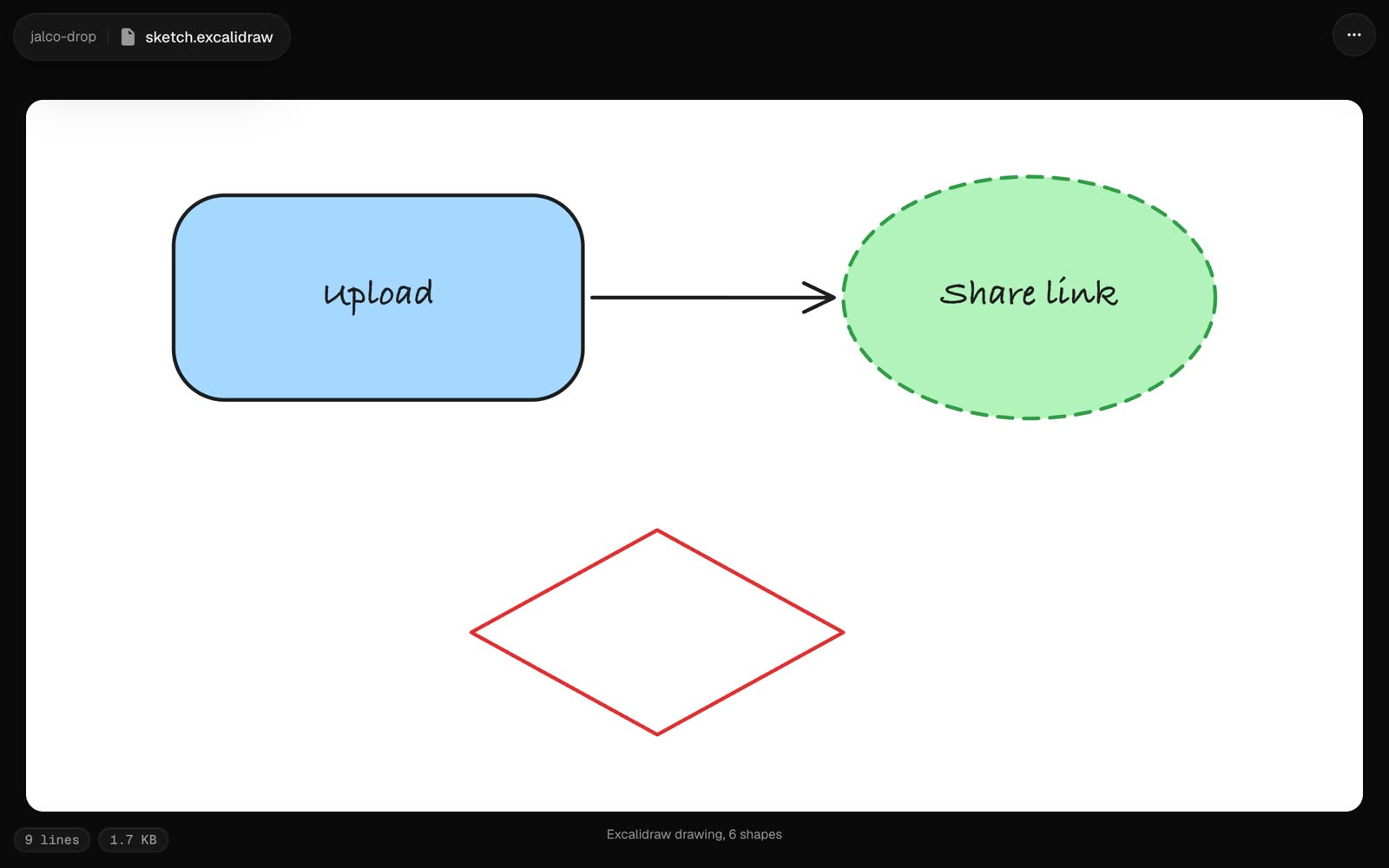
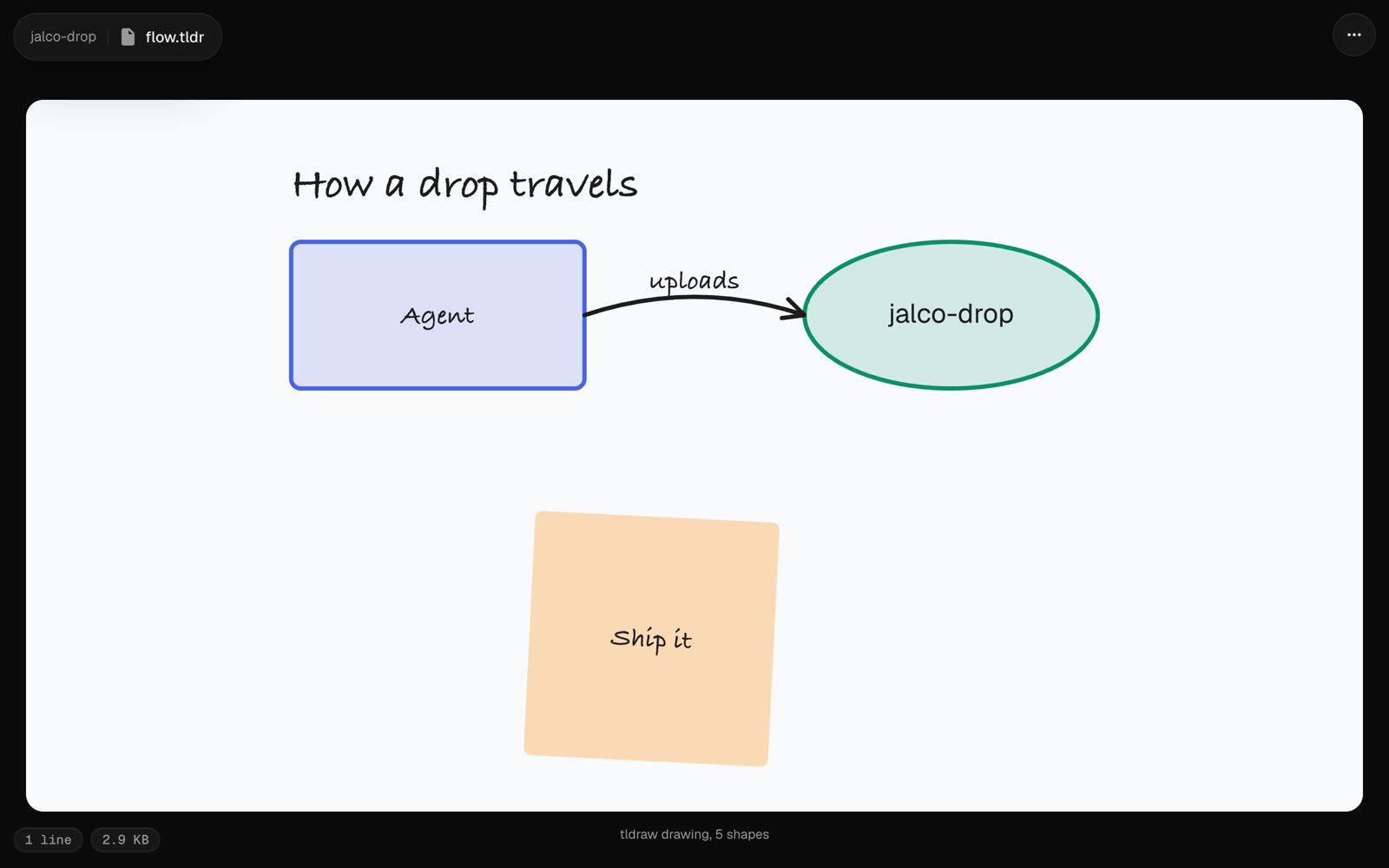
| [Excalidraw](https://excalidraw.com) and [tldraw](https://tldraw.com) files (`.excalidraw`, `.tldr`) | The drawing itself: shapes, arrows, text and sticky notes |
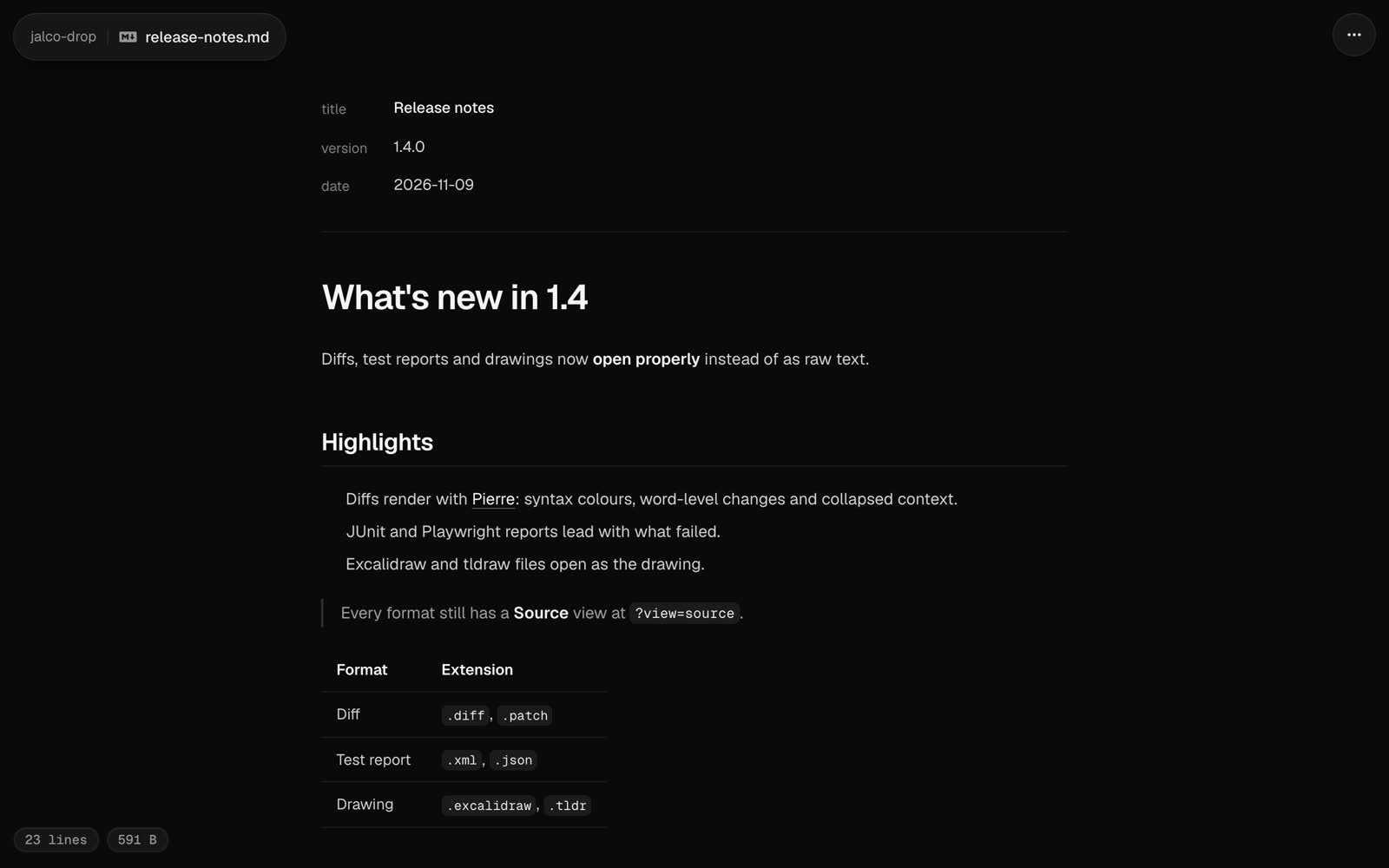
| Markdown | A rendered document; frontmatter shows as a properties list |
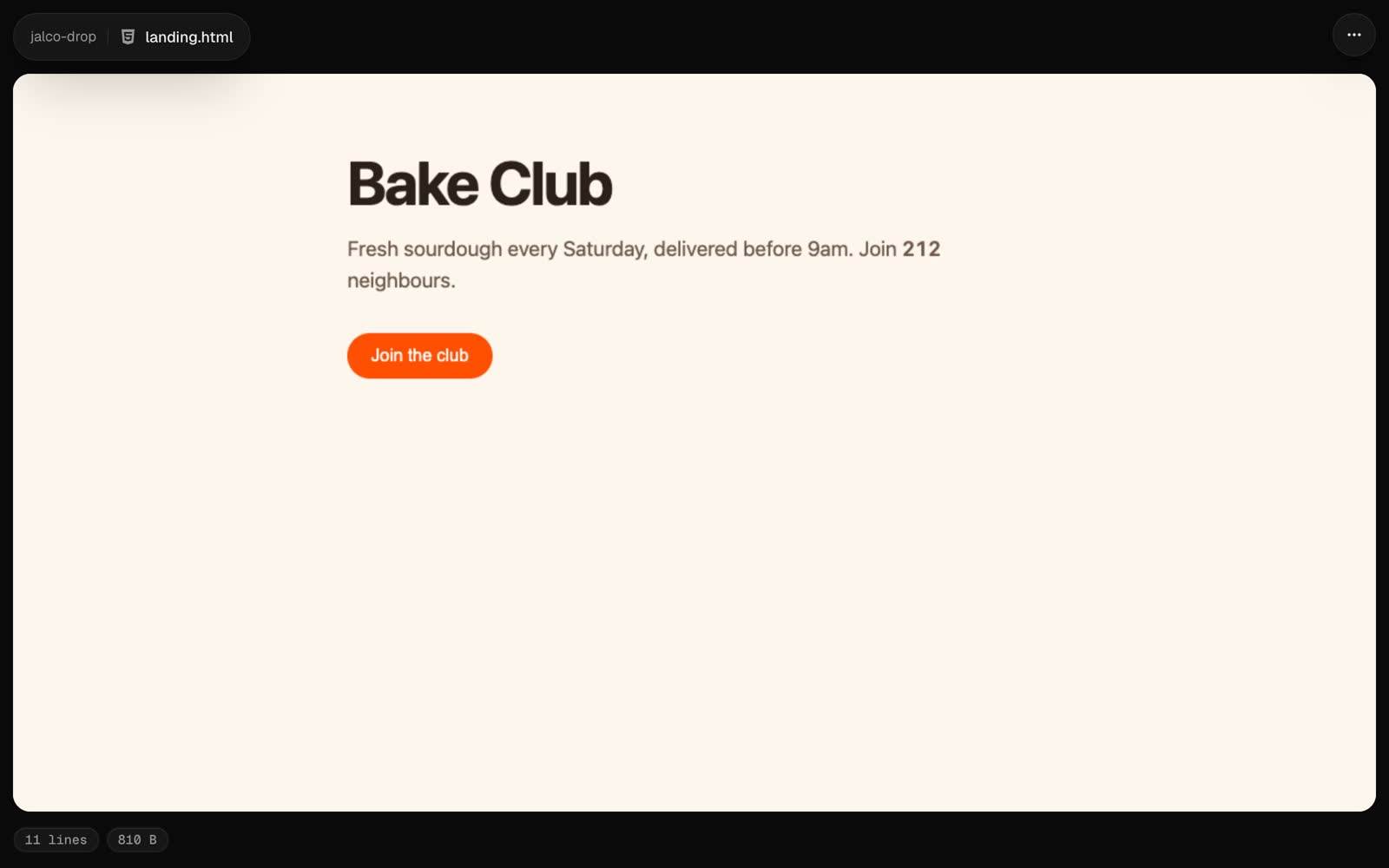
| HTML | The page, running in a sandboxed frame |
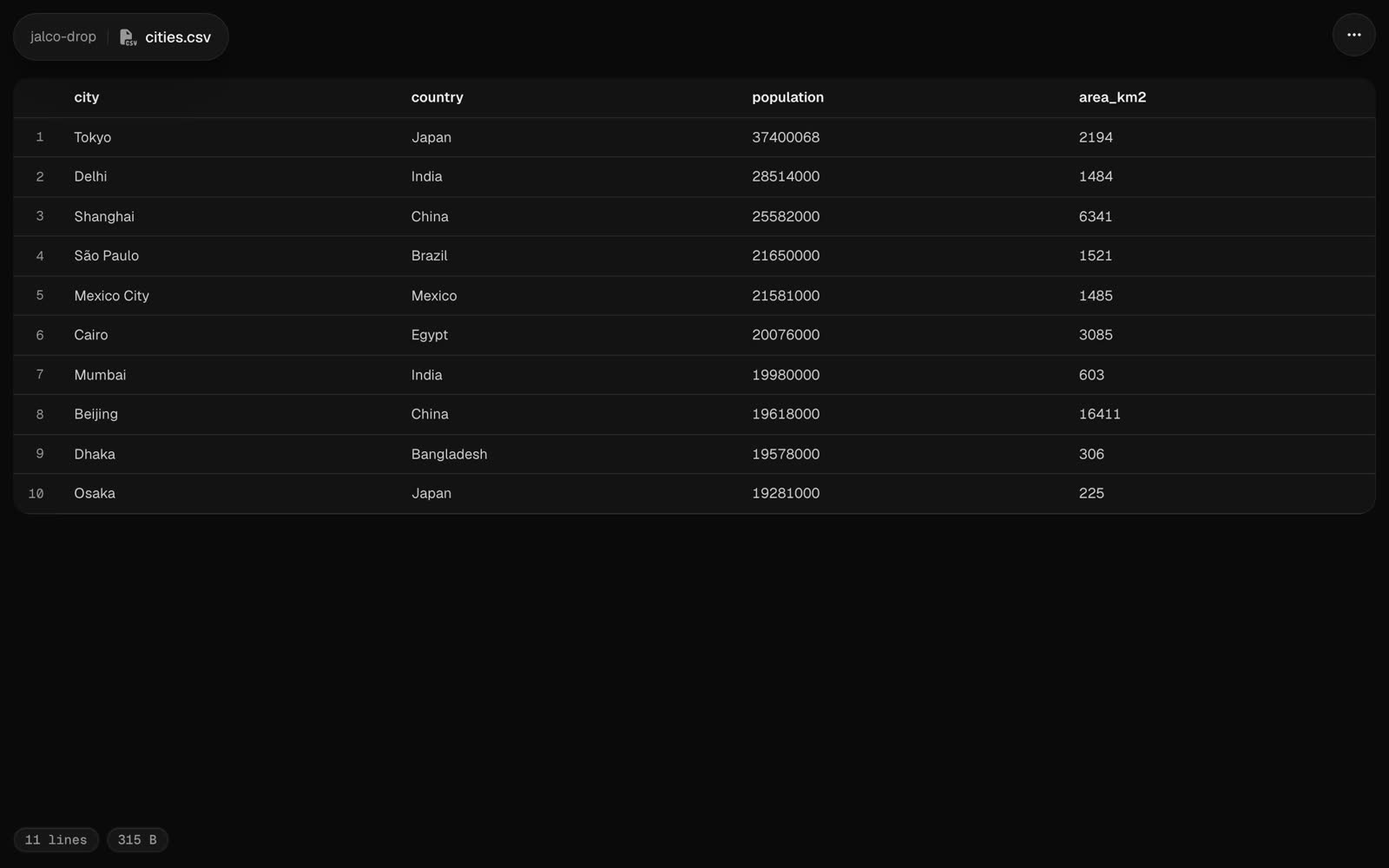
| CSV and TSV | A table with sticky headers |
| SVG | An image, rendered in a sandbox |
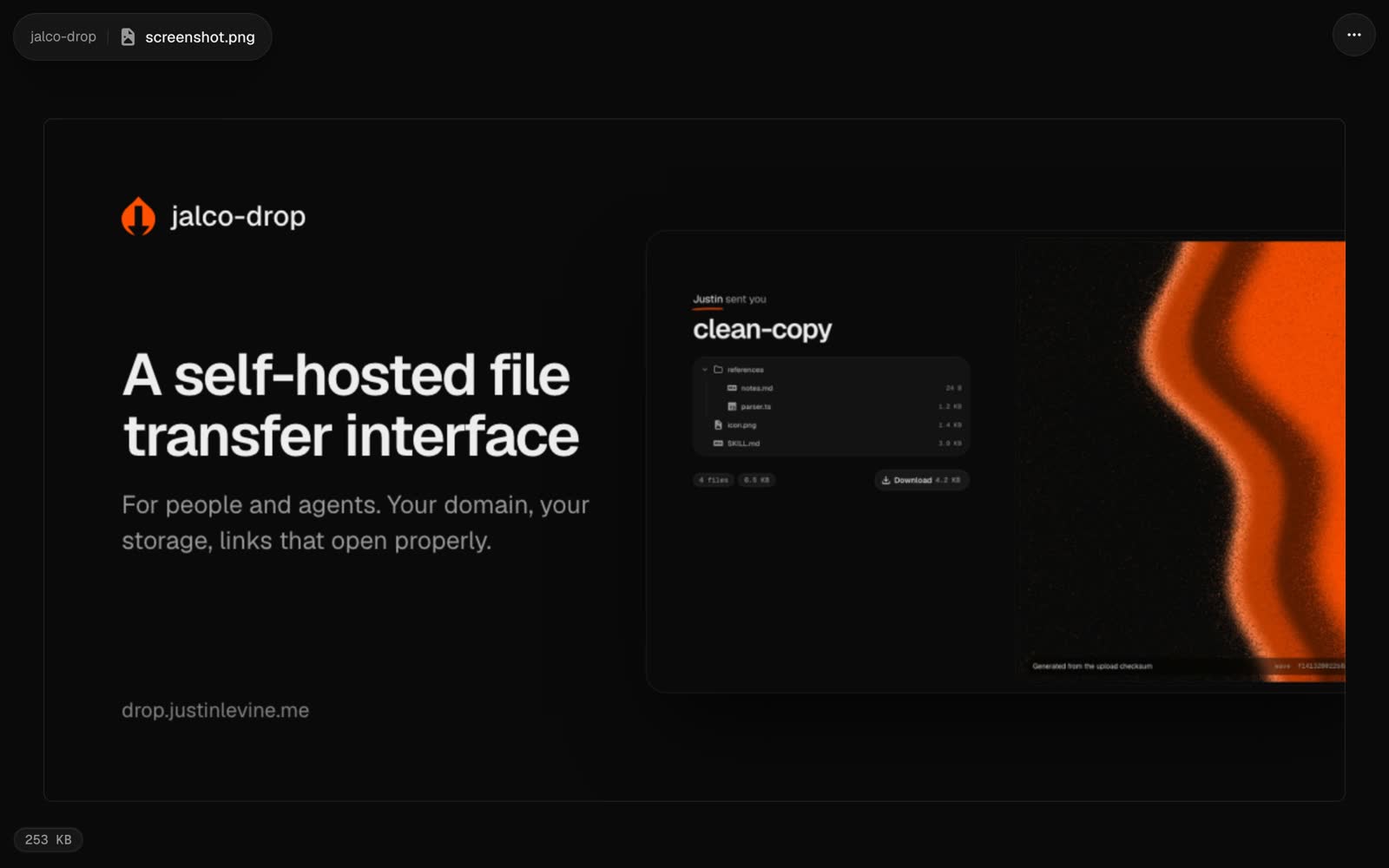
| Images | A centred preview |
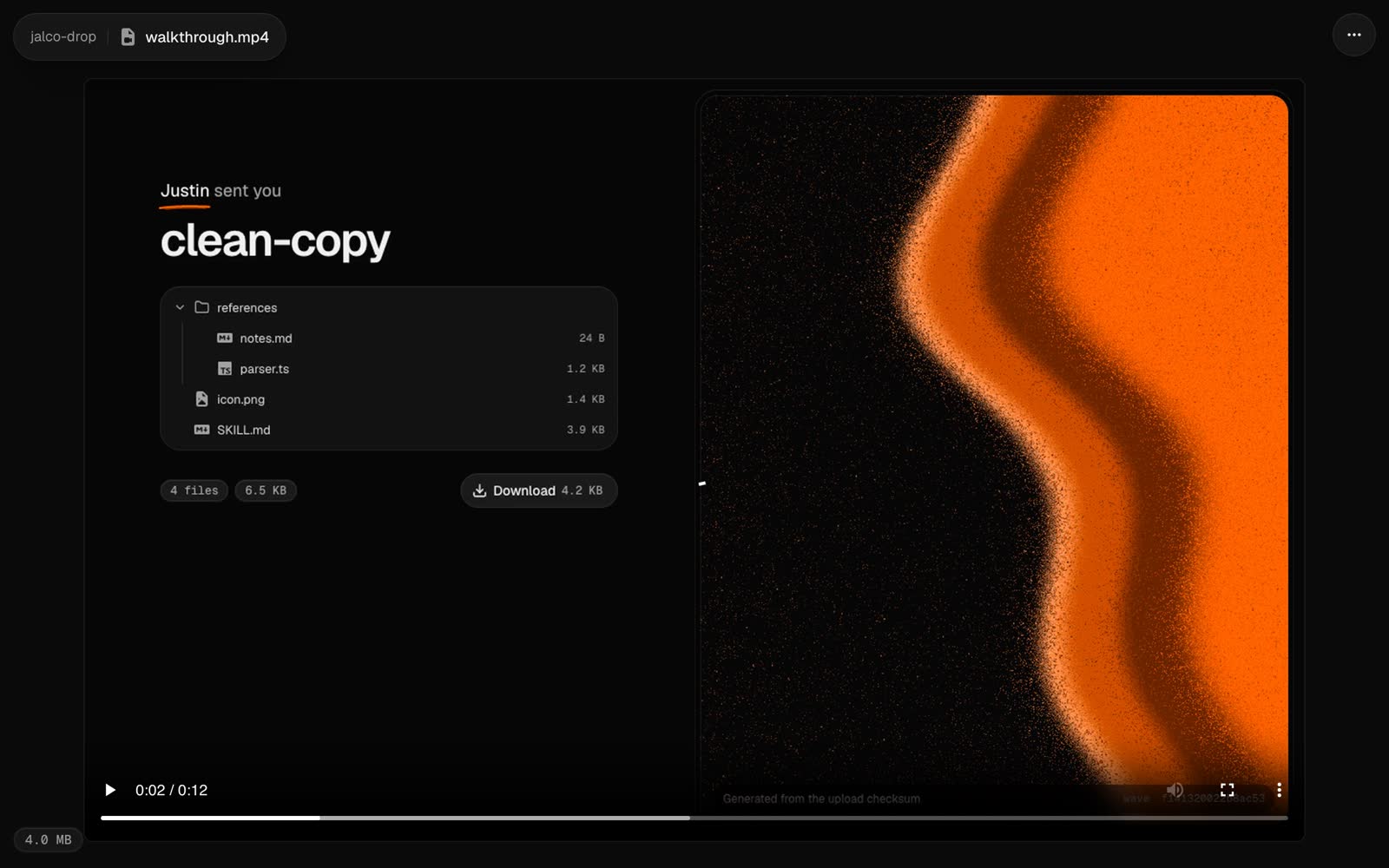
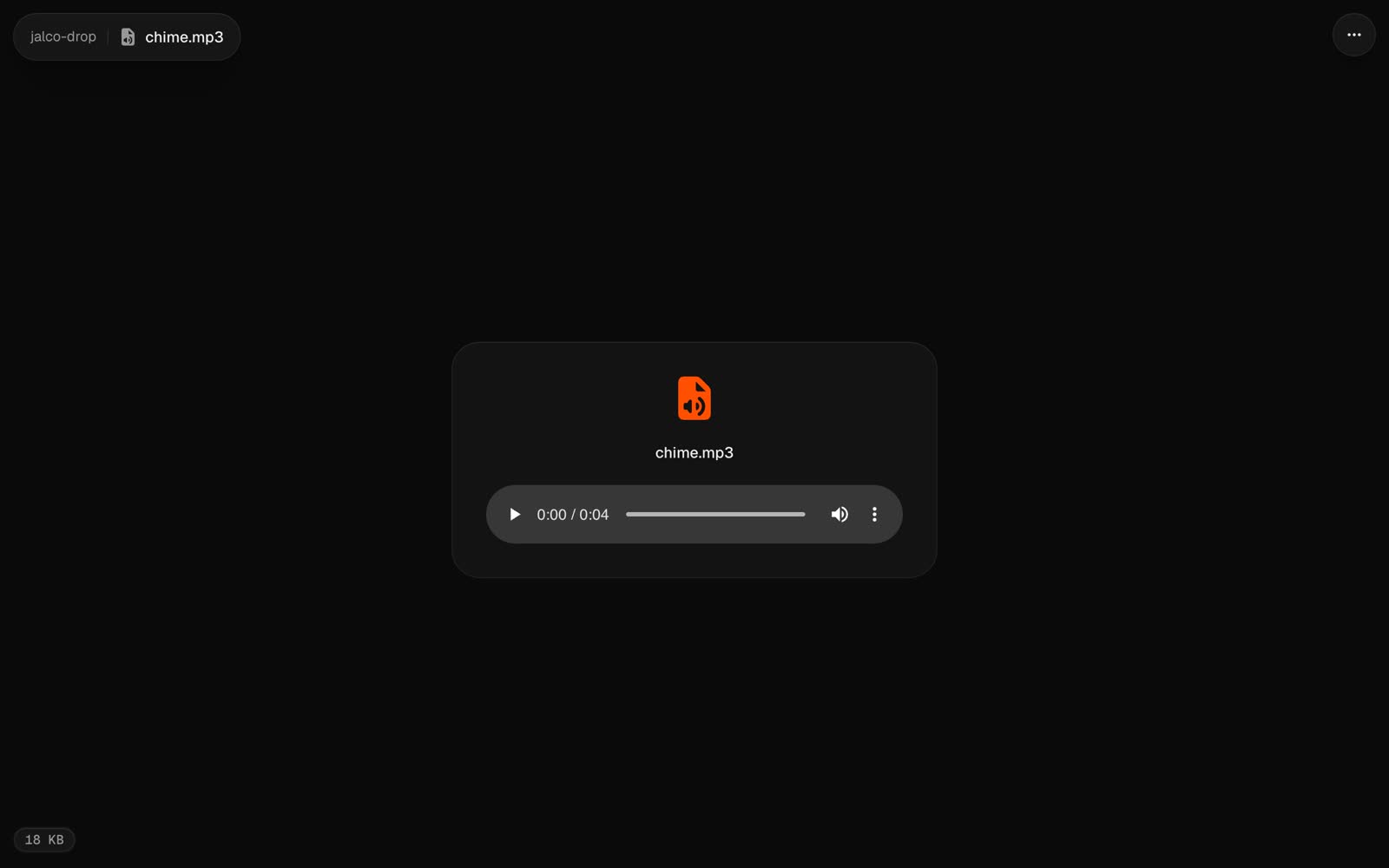
| Video and audio | A player that seeks by byte range |
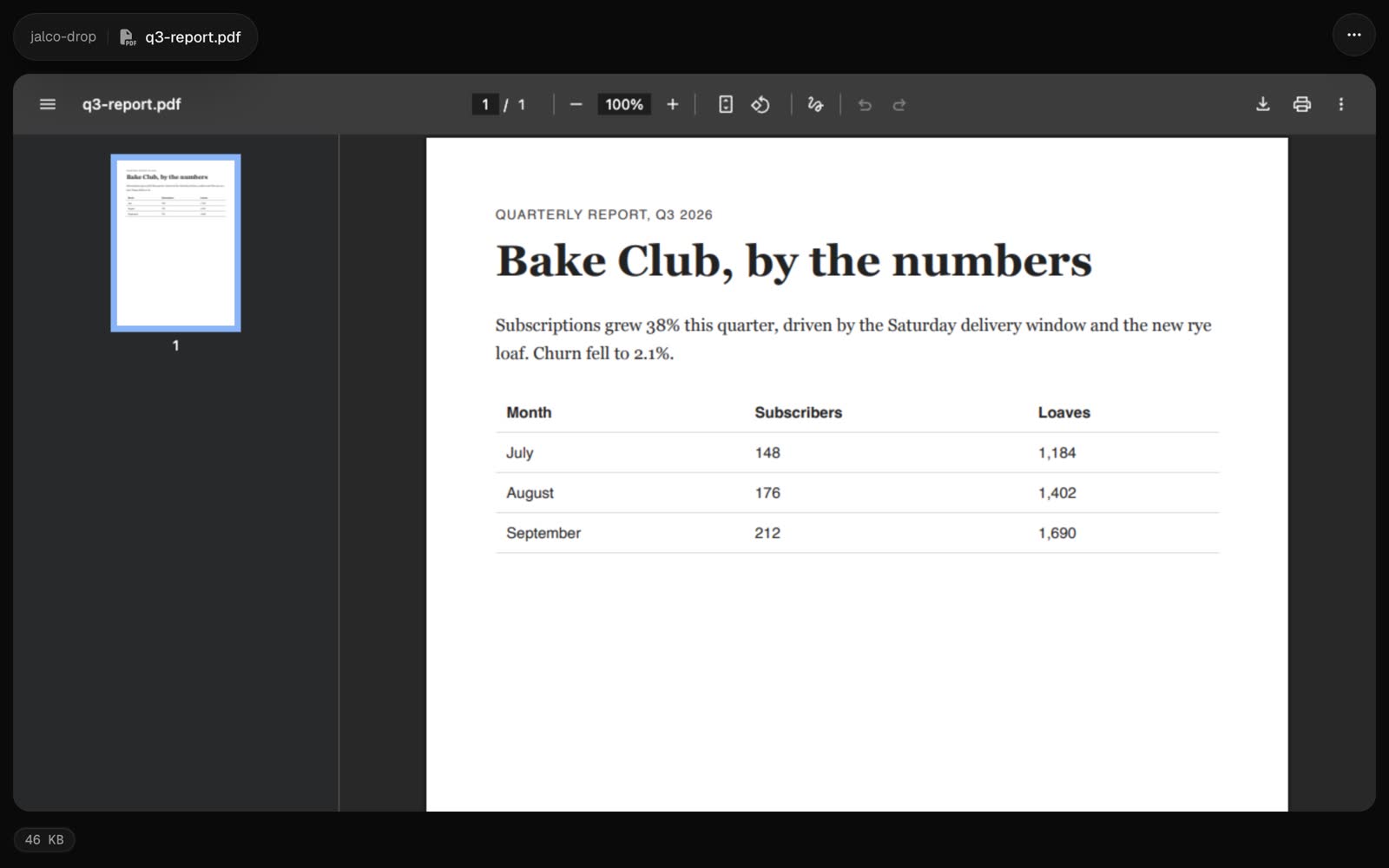
| PDF | The browser's PDF viewer |
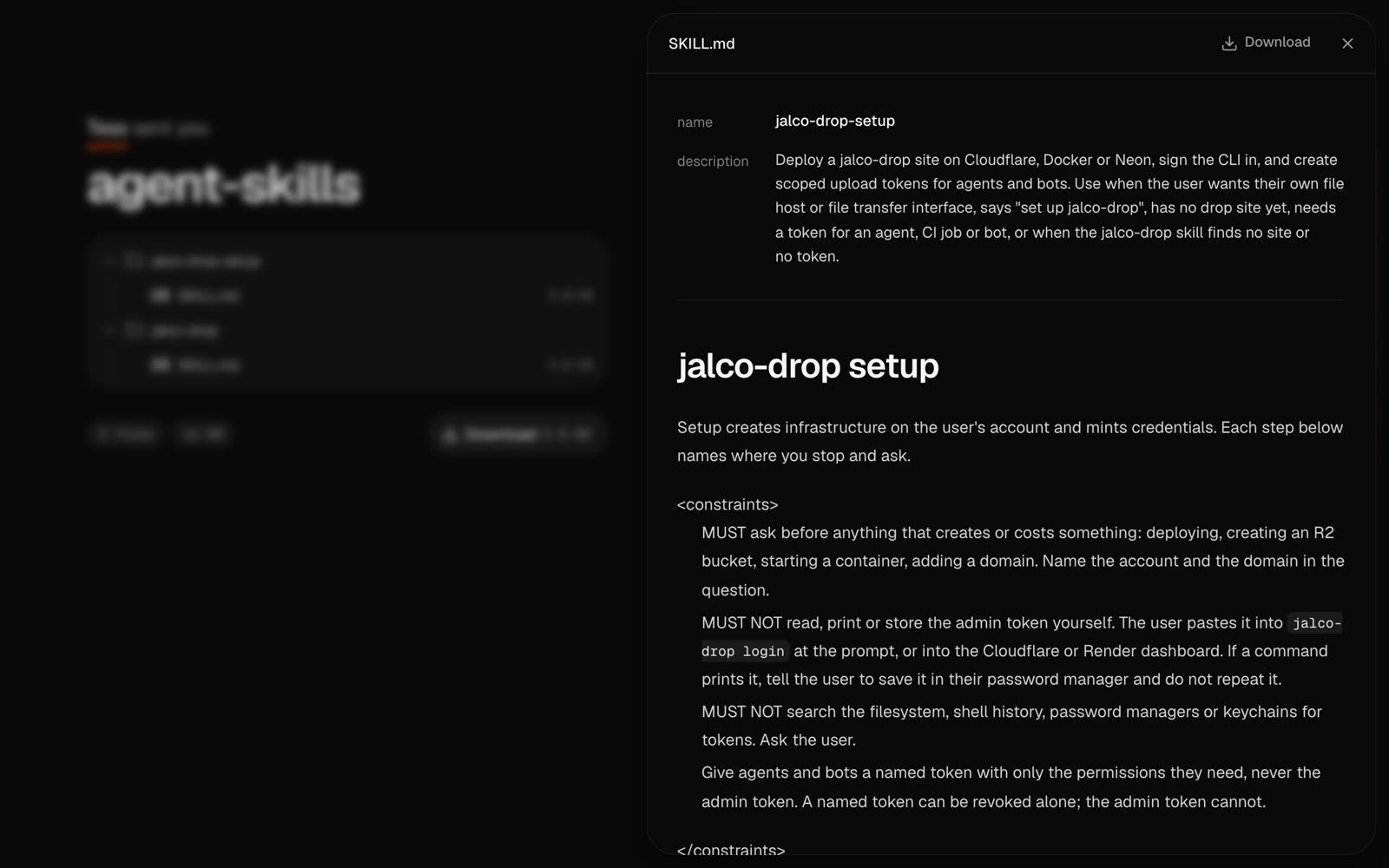
| Zips and folders | A [share page](/v1.3/file-types/folders) |
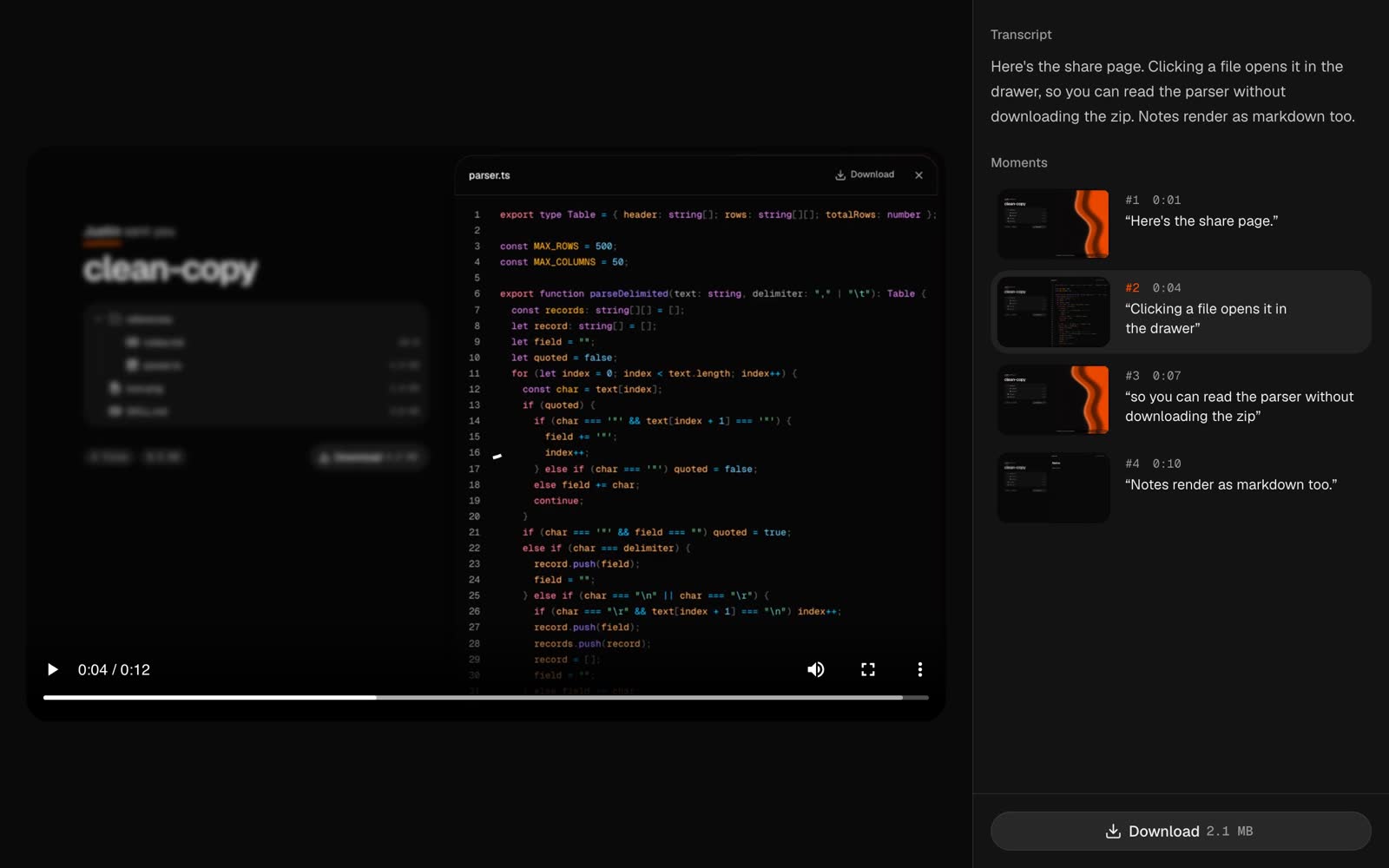
| [Scrawl](https://scrawl.kitlangton.com) captures | A [recording page](/v1.3/file-types/scrawl) |
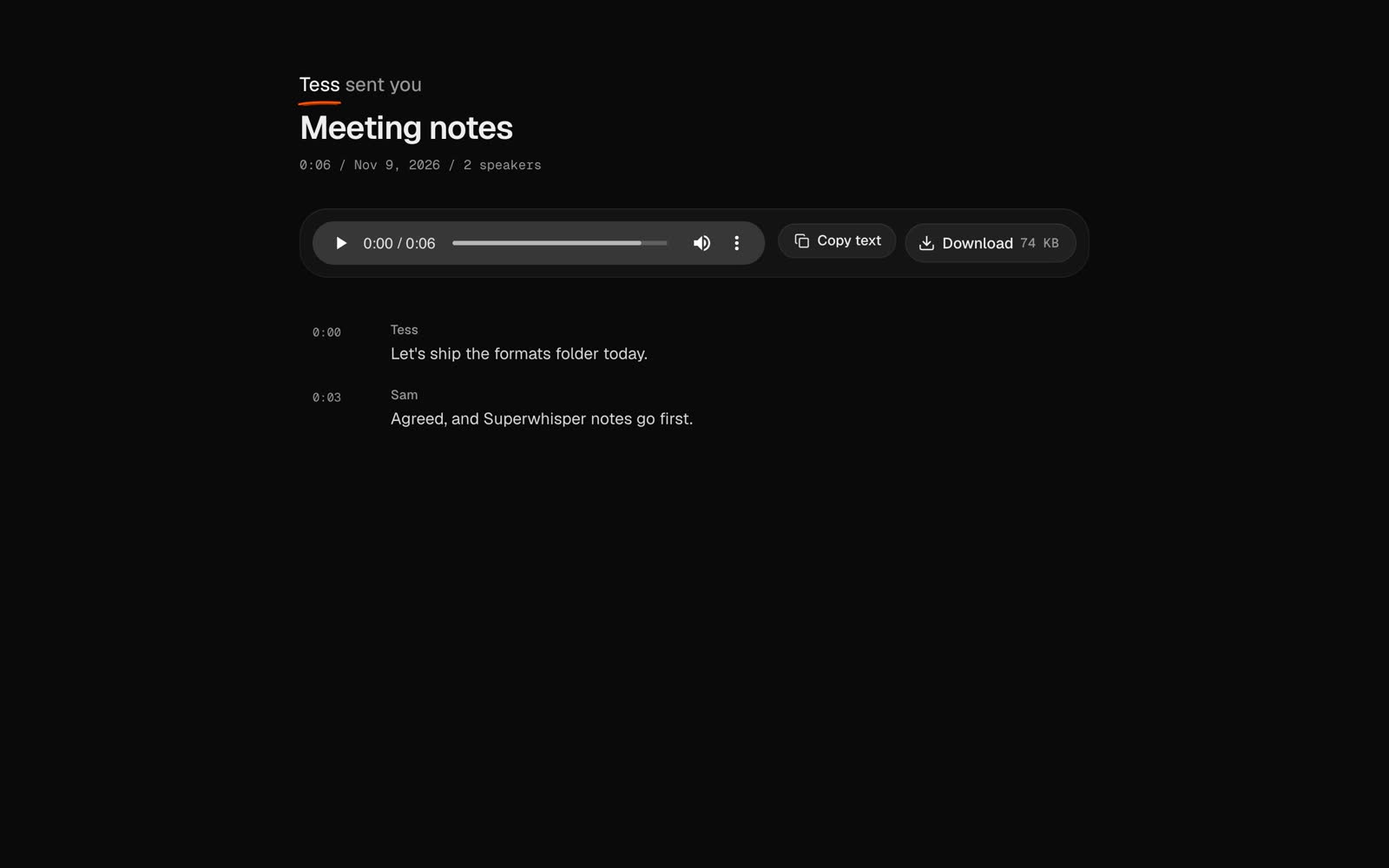
| [Superwhisper](https://superwhisper.com) recordings | A [transcript page](/v1.3/file-types/superwhisper): audio on top, each line a timestamp that seeks it, speakers named |
| Anything else | A download page |

Every rendered format (markdown, HTML, CSV, SVG, JSON, diffs, reports and drawings) has a **Source** view at `?view=source`. Every drop's raw bytes are at `/<slug>/<filename>`, with `?download=1` to force a download. Raw HTML and SVG are always served as plain text or in a sandbox, so a drop can never run script on your domain.

Most tools drop their colours when their output is piped. Ask for them to keep the colours in what you send:

```bash
FORCE_COLOR=1 npm test 2>&1 | jalco-drop -n test.log
```

## What each one looks like

<div className="type-gallery">
<figure><img src="/file-types/code.jpg" alt="A TypeScript file, highlighted in the site's code theme" loading="lazy" /><figcaption><strong>Code</strong> A TypeScript file, highlighted in the site's code theme</figcaption></figure>
<figure><img src="/file-types/terminal.jpg" alt="Test runner output that kept its colours" loading="lazy" /><figcaption><strong>Terminal output</strong> Test runner output that kept its colours</figcaption></figure>
<figure><img src="/file-types/json.jpg" alt="An order as a foldable tree" loading="lazy" /><figcaption><strong>JSON</strong> An order as a foldable tree</figcaption></figure>
<figure><img src="/file-types/jsonl.jpg" alt="Request logs as a table, one row per line" loading="lazy" /><figcaption><strong>JSON Lines</strong> Request logs as a table, one row per line</figcaption></figure>
<figure><img src="/file-types/session.jpg" alt="Prompts, replies and one line per tool call" loading="lazy" /><figcaption><strong>Claude Code session</strong> Prompts, replies and one line per tool call</figcaption></figure>
<figure><img src="/file-types/codex.jpg" alt="A failed tool call marked in red" loading="lazy" /><figcaption><strong>Codex session</strong> A failed tool call marked in red</figcaption></figure>
<figure><img src="/file-types/markdown.jpg" alt="Release notes with frontmatter, a quote and a table" loading="lazy" /><figcaption><strong>Markdown</strong> Release notes with frontmatter, a quote and a table</figcaption></figure>
<figure><img src="/file-types/html.jpg" alt="A landing page running in a sandboxed frame" loading="lazy" /><figcaption><strong>HTML</strong> A landing page running in a sandboxed frame</figcaption></figure>
<figure><img src="/file-types/csv.jpg" alt="Cities as a table with sticky headers" loading="lazy" /><figcaption><strong>CSV</strong> Cities as a table with sticky headers</figcaption></figure>
<figure><img src="/file-types/svg.jpg" alt="A logo on a checkerboard, rendered in a sandbox" loading="lazy" /><figcaption><strong>SVG</strong> A logo on a checkerboard, rendered in a sandbox</figcaption></figure>
<figure><img src="/file-types/image.jpg" alt="A screenshot, centred" loading="lazy" /><figcaption><strong>Image</strong> A screenshot, centred</figcaption></figure>
<figure><img src="/file-types/video.jpg" alt="A screen recording with a scrubbable player" loading="lazy" /><figcaption><strong>Video</strong> A screen recording with a scrubbable player</figcaption></figure>
<figure><img src="/file-types/audio.jpg" alt="A short clip in a player card" loading="lazy" /><figcaption><strong>Audio</strong> A short clip in a player card</figcaption></figure>
<figure><img src="/file-types/pdf.jpg" alt="A report in the browser's PDF viewer" loading="lazy" /><figcaption><strong>PDF</strong> A report in the browser's PDF viewer</figcaption></figure>
<figure><img src="/file-types/folder.jpg" alt="A skills folder with a file open in the drawer" loading="lazy" /><figcaption><strong>Folder</strong> A skills folder with a file open in the drawer</figcaption></figure>
<figure><img src="/file-types/scrawl.jpg" alt="The recording beside its transcript and moments" loading="lazy" /><figcaption><strong>Scrawl capture</strong> The recording beside its transcript and moments</figcaption></figure>
<figure><img src="/file-types/superwhisper.jpg" alt="Meeting notes with speakers and timestamps" loading="lazy" /><figcaption><strong>Superwhisper note</strong> Meeting notes with speakers and timestamps</figcaption></figure>
<figure><img src="/file-types/diff.jpg" alt="A git diff rendered with Pierre" loading="lazy" /><figcaption><strong>Diff</strong> A git diff rendered with Pierre</figcaption></figure>
<figure><img src="/file-types/junit.jpg" alt="Failures first, then every suite" loading="lazy" /><figcaption><strong>JUnit report</strong> Failures first, then every suite</figcaption></figure>
<figure><img src="/file-types/playwright.jpg" alt="A failed and a flaky test" loading="lazy" /><figcaption><strong>Playwright report</strong> A failed and a flaky test</figcaption></figure>
<figure><img src="/file-types/excalidraw.jpg" alt="The drawing, not its JSON" loading="lazy" /><figcaption><strong>Excalidraw</strong> The drawing, not its JSON</figcaption></figure>
<figure><img src="/file-types/tldraw.jpg" alt="Shapes, a bound arrow and a sticky note" loading="lazy" /><figcaption><strong>tldraw</strong> Shapes, a bound arrow and a sticky note</figcaption></figure>
</div>

The `...` button in the top-right holds every action for a file. Right-click anywhere for the same actions as a pie menu.

Every format lives in `src/formats/`, so you can [add your own](/v1.3/file-types/custom).