---
title: Tokens
description: Give bots and scripts their own upload token, sender name and icon.
---
The admin token is the master key. Anything that uploads on your behalf, such as a CI job, a chat bot or a coding agent, should get its own token instead. Create one under **Tokens** in `/admin`:
- **Name**, such as `GitHub Actions`.
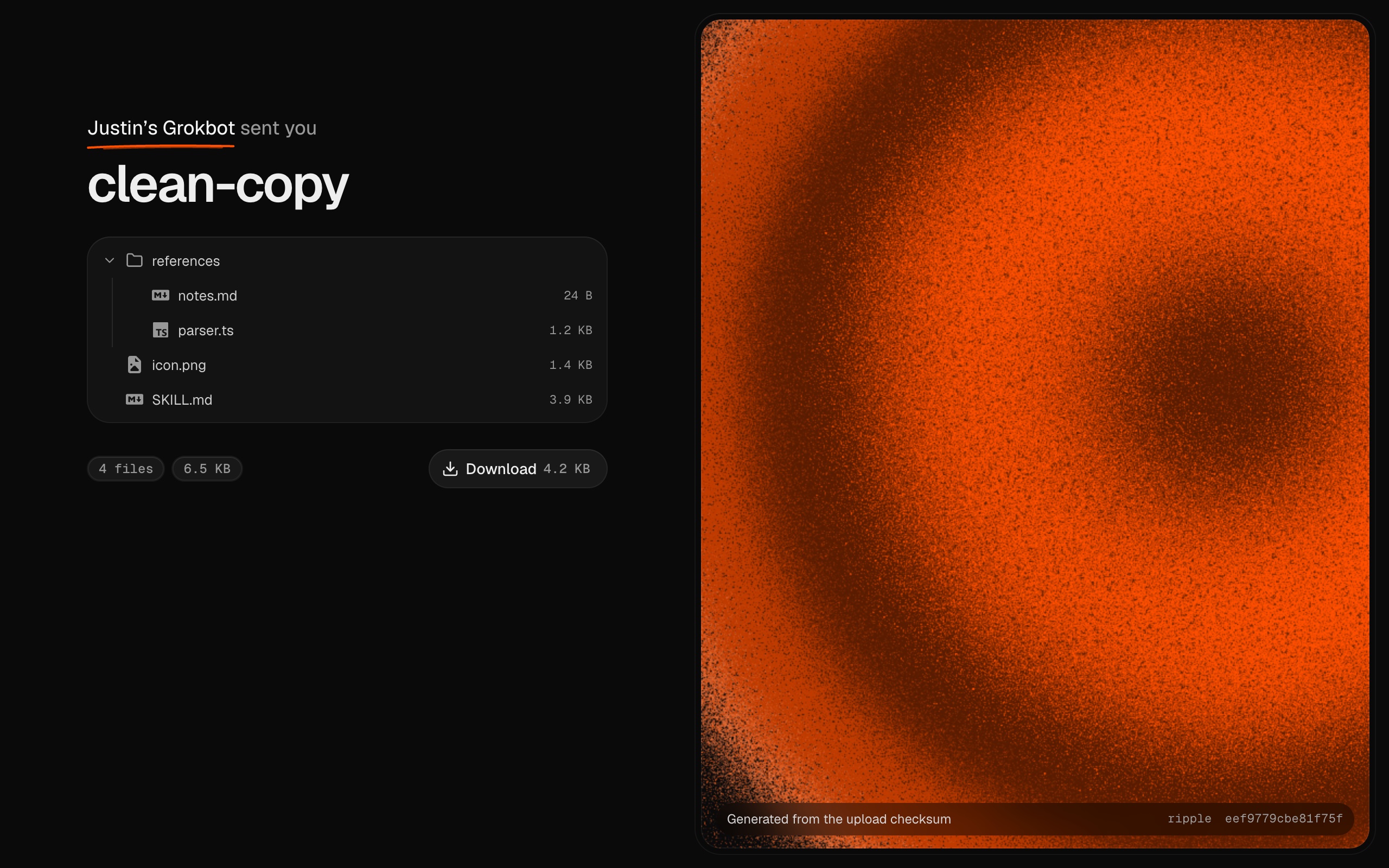
- **Shows as**: the sender on its share pages and link previews, such as "Justin's Grokbot sent you".
- **Permissions**: upload, list drops, delete drops. Give each token only what it needs.
- **Icon**: a PNG, JPEG, WebP, GIF or SVG up to 256 KB. Every drop it uploads shows "by" and the icon, with a tooltip naming the token.
Pick icons that tell bots apart at a glance: a white logo on a transparent background works best on the dark theme. [Lobe Icons](https://lobehub.com/icons) has SVGs for most AI tools.
 The token is shown once. Only its SHA-256 hash is stored, along with when it was last used. **Revoke** stops it at once; drops it already uploaded keep their sender and icon.