---
title: JSON and JSON Lines
description: JSON opens as a tree you can fold, and JSON Lines as a table with one row per line.
sidebar:
label: JSON and JSON Lines
---
 ## JSON
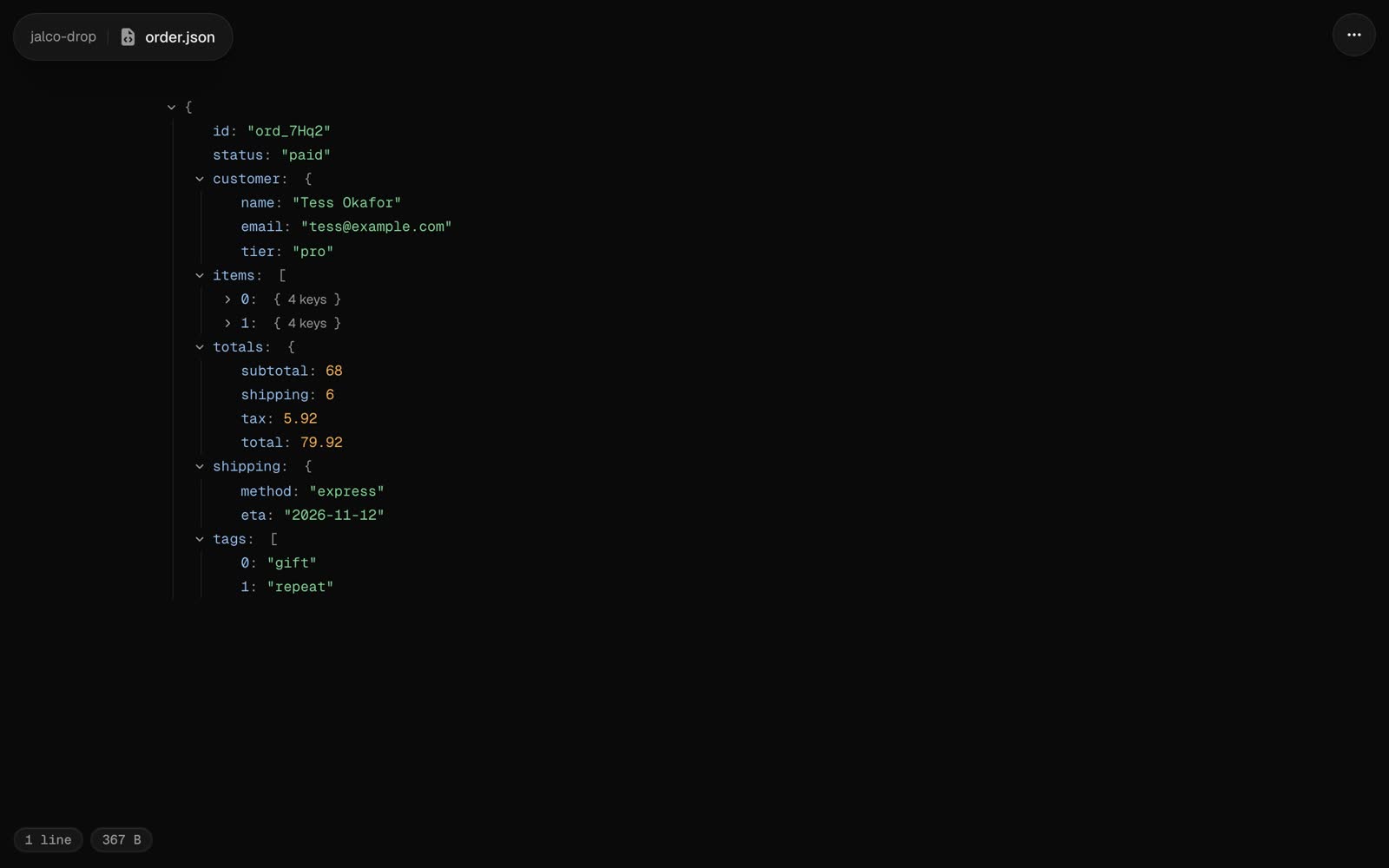
A `.json` file opens as a tree, open two levels deep. Click any object or array to fold it; each one shows how many keys or items it holds.
```bash
jalco-drop response.json
curl -s https://api.example.com/orders/42 | jalco-drop -n order.json
```
A file that doesn't parse, or has more than 20,000 values, opens as highlighted code instead. Some JSON files open as something more specific: a [Playwright report](/file-types/test-reports) as test results, and a `.excalidraw.json` file as a [drawing](/file-types/drawings).
## JSON Lines
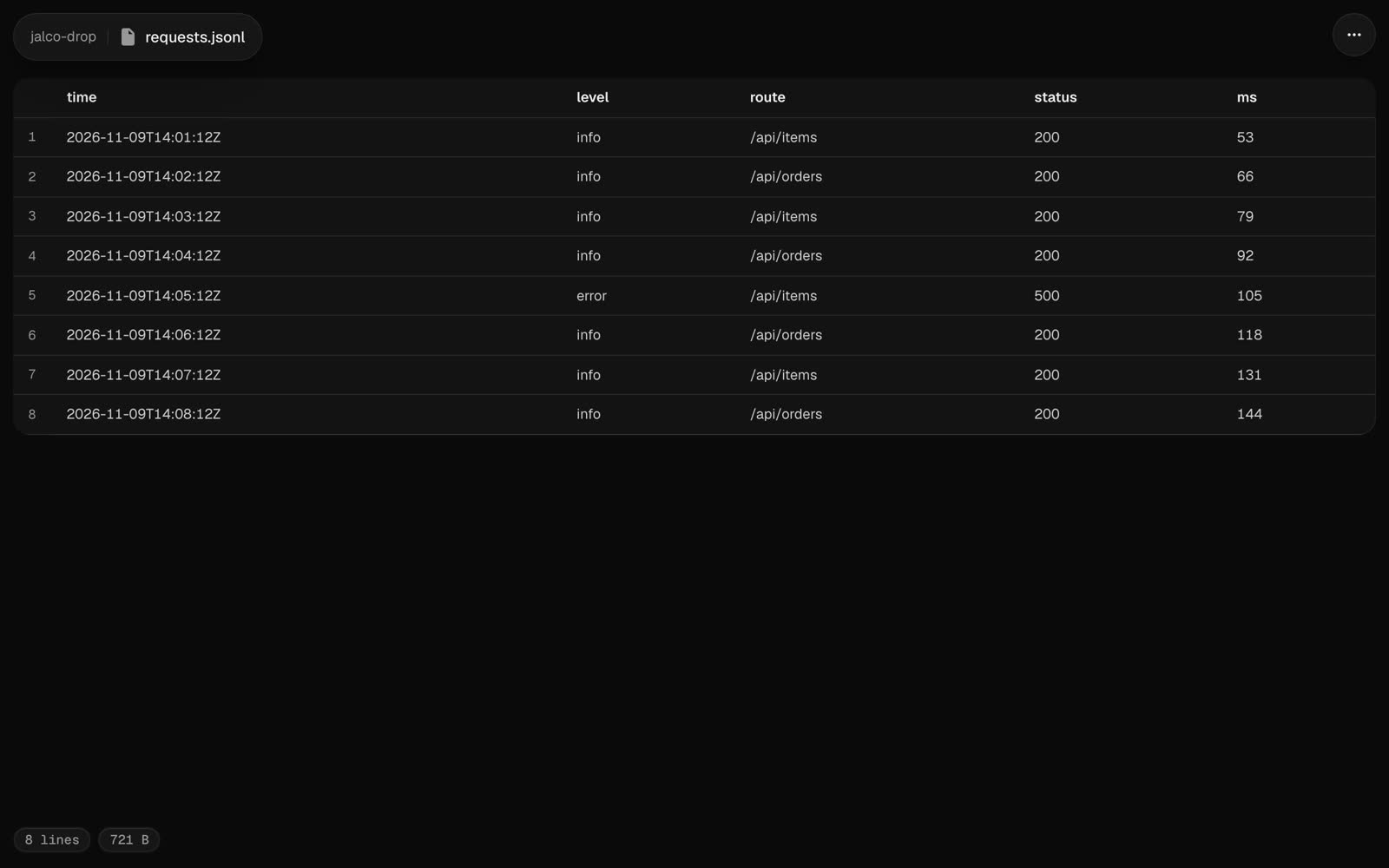
A `.jsonl` or `.ndjson` file opens as a table, one row per line and a column for each field. Nested values show as JSON in their cell. The table shows the first 500 rows and 50 columns.
 A session file from Claude Code, Codex or Pi opens as the conversation instead. See [Agent sessions](/file-types/agent-sessions).
## Source and raw
**Source** in the `...` menu, or `?view=source` on the link, shows the file as highlighted code. The raw file is at `//`.