---
title: Diffs and patches
description: A diff opens per file, with old and new line numbers, word-level changes and collapsed context.
sidebar:
label: Diffs
---
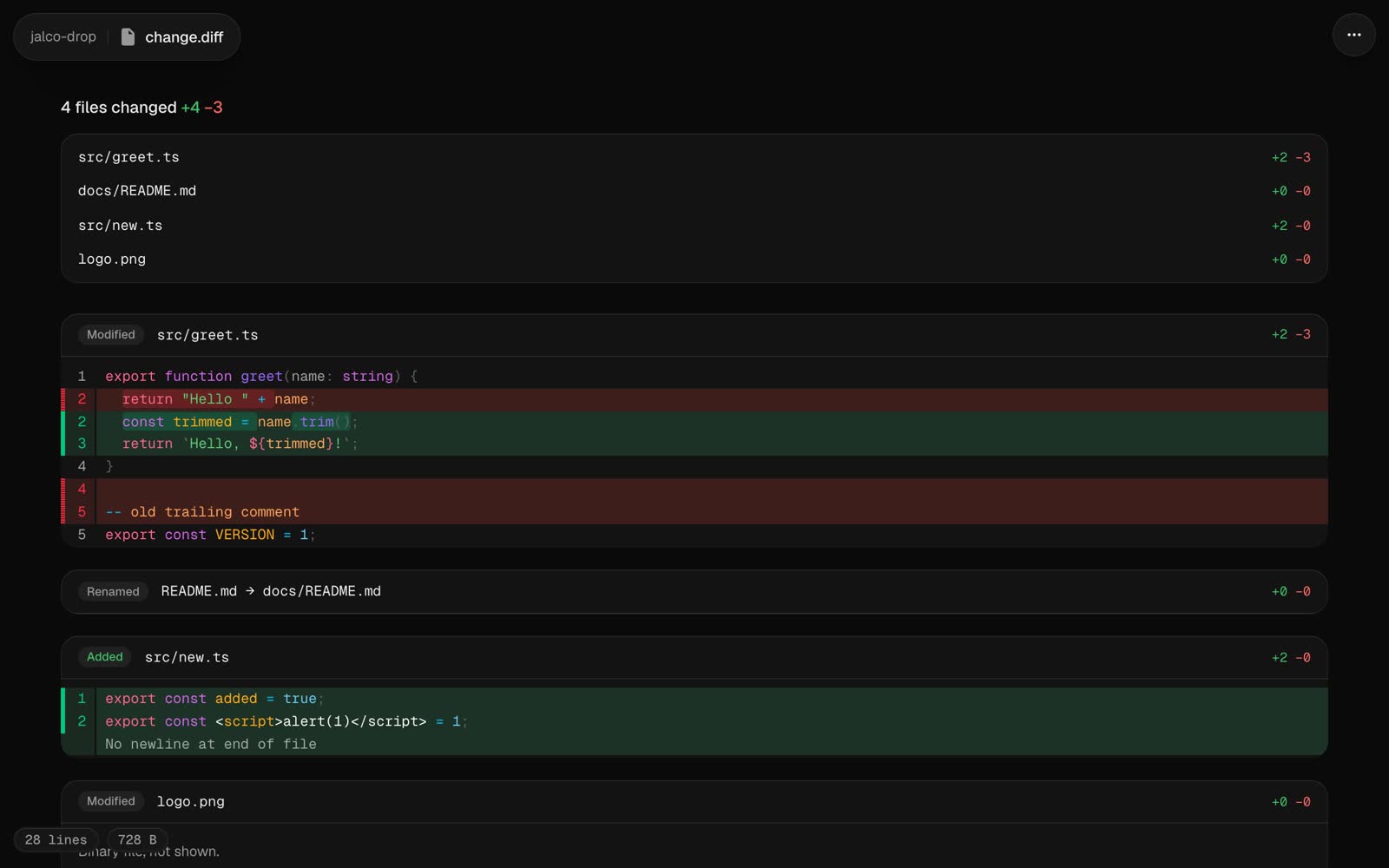 A `.diff` or `.patch` file opens as a review view rendered by [Pierre Diffs](https://diffs.com). Each changed file gets its own section with its status (added, deleted, renamed or modified), its `+` and `−` counts, and old and new line numbers. Changed words are marked within each line, and unchanged stretches collapse.
When a diff touches more than one file, an index at the top jumps to each one.
```bash
git diff | jalco-drop -n fix.diff -e 7d
git diff main...HEAD | jalco-drop -n review.diff
git format-patch -1 --stdout | jalco-drop -n fix.patch
```
The name matters. Piped without `-n`, a diff uploads as `paste.txt` and opens as plain text.
Diffs from `git diff` and plain `diff -u` both work. One with more than 20,000 changed lines opens as highlighted code instead.
## Source and raw
**Source** in the `...` menu, or `?view=source` on the link, shows the diff as text. The raw file is at `//`, so `git apply` can read it straight from the link:
```bash
curl -s https://drop.example.com/k3x9q2m8vt/fix.diff | git apply
```