---
title: CSV and TSV
description: Comma- and tab-separated files open as a table with sticky headers.
sidebar:
label: CSV and TSV
---
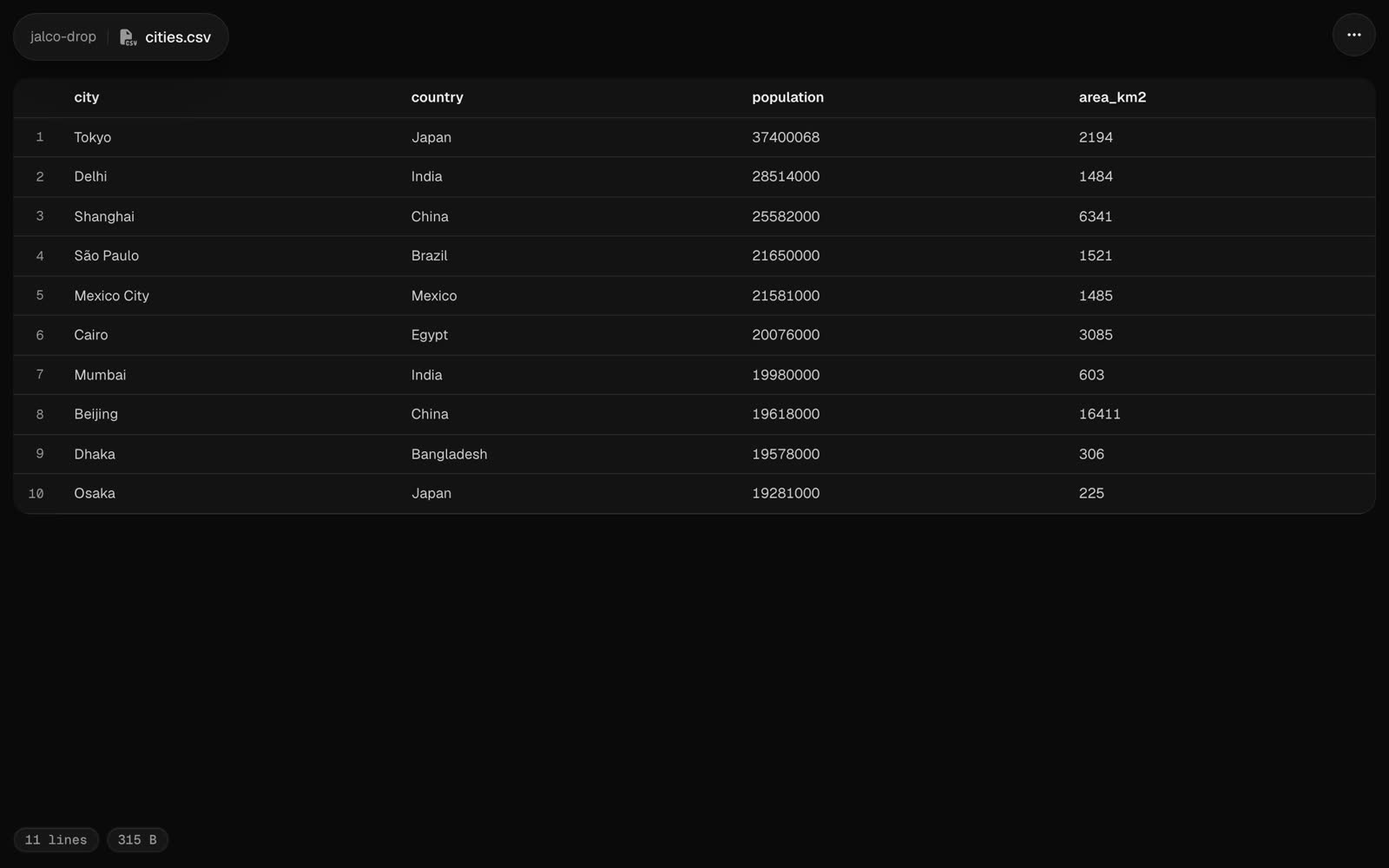 A `.csv` or `.tsv` file opens as a table. The first row is the header, and it stays in view as you scroll. Quoted fields can hold commas, quotes and line breaks.
```bash
jalco-drop export.csv
psql -c "\copy (select * from users limit 100) to stdout csv header" | jalco-drop -n users.csv
```
The table shows the first 500 rows and 50 columns. The raw file always has everything.
## Source and raw
**Source** in the `...` menu, or `?view=source` on the link, shows the file as text with line numbers. The raw file is at `//`.