---
title: Code and text
description: Code opens highlighted in your theme with linkable lines, and terminal output keeps its colours.
sidebar:
label: Code and text
---
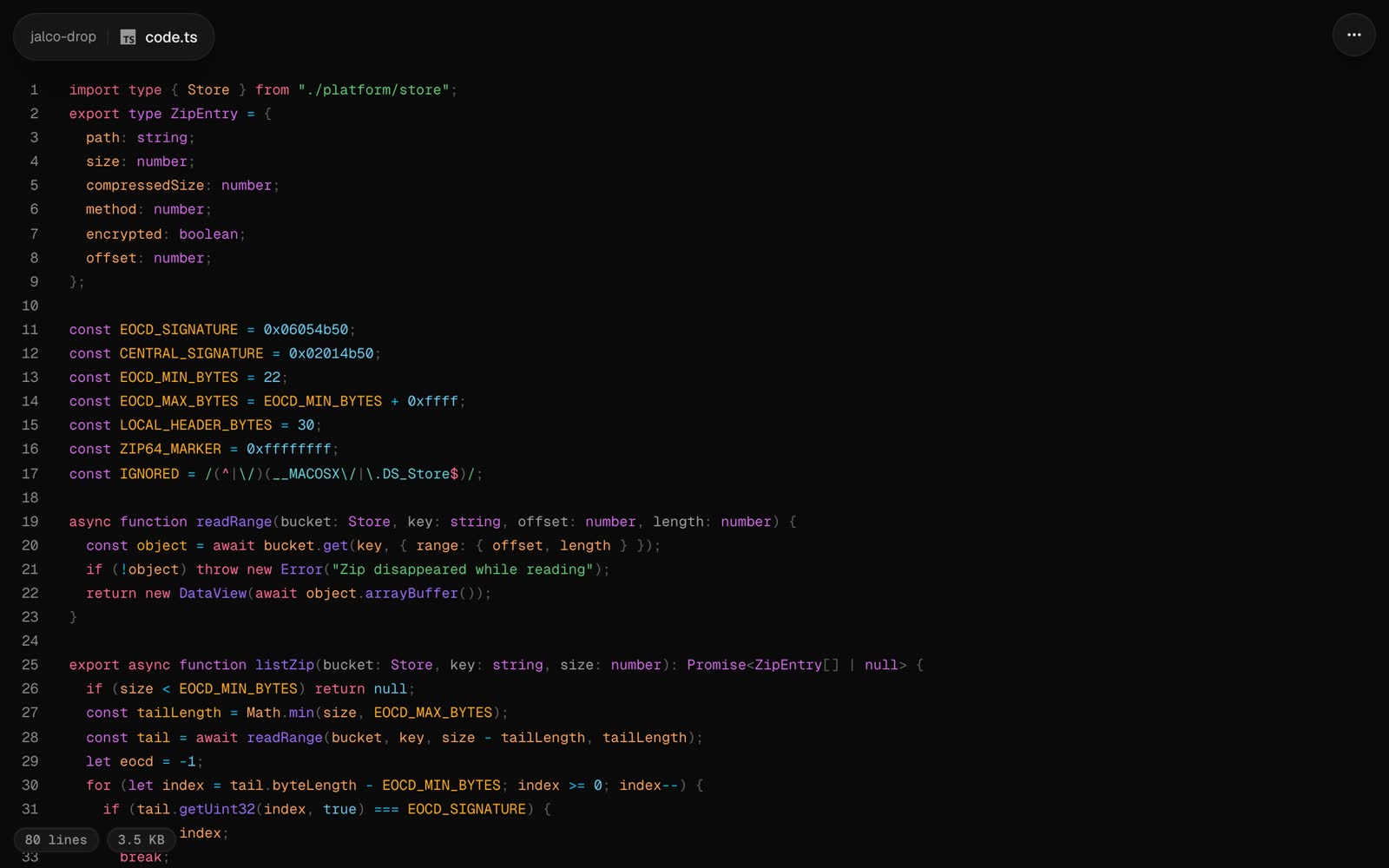 Any text file that isn't one of the other formats opens as code: highlighted in your [code theme](/settings), with line numbers. The file's extension picks the language, from over 60 including TypeScript, Python, Go, Rust, Swift, SQL, YAML and shell. Anything else shows as plain text.
```bash
jalco-drop src/server.ts
pbpaste | jalco-drop -n snippet.py
```
Piped text uploads as `paste.txt` unless you name it with `-n`. The extension in the name picks the highlighting.
## Link to a line
Click a line number to put `#L12` on the link. Whoever opens it lands on that line, highlighted.
## Terminal output
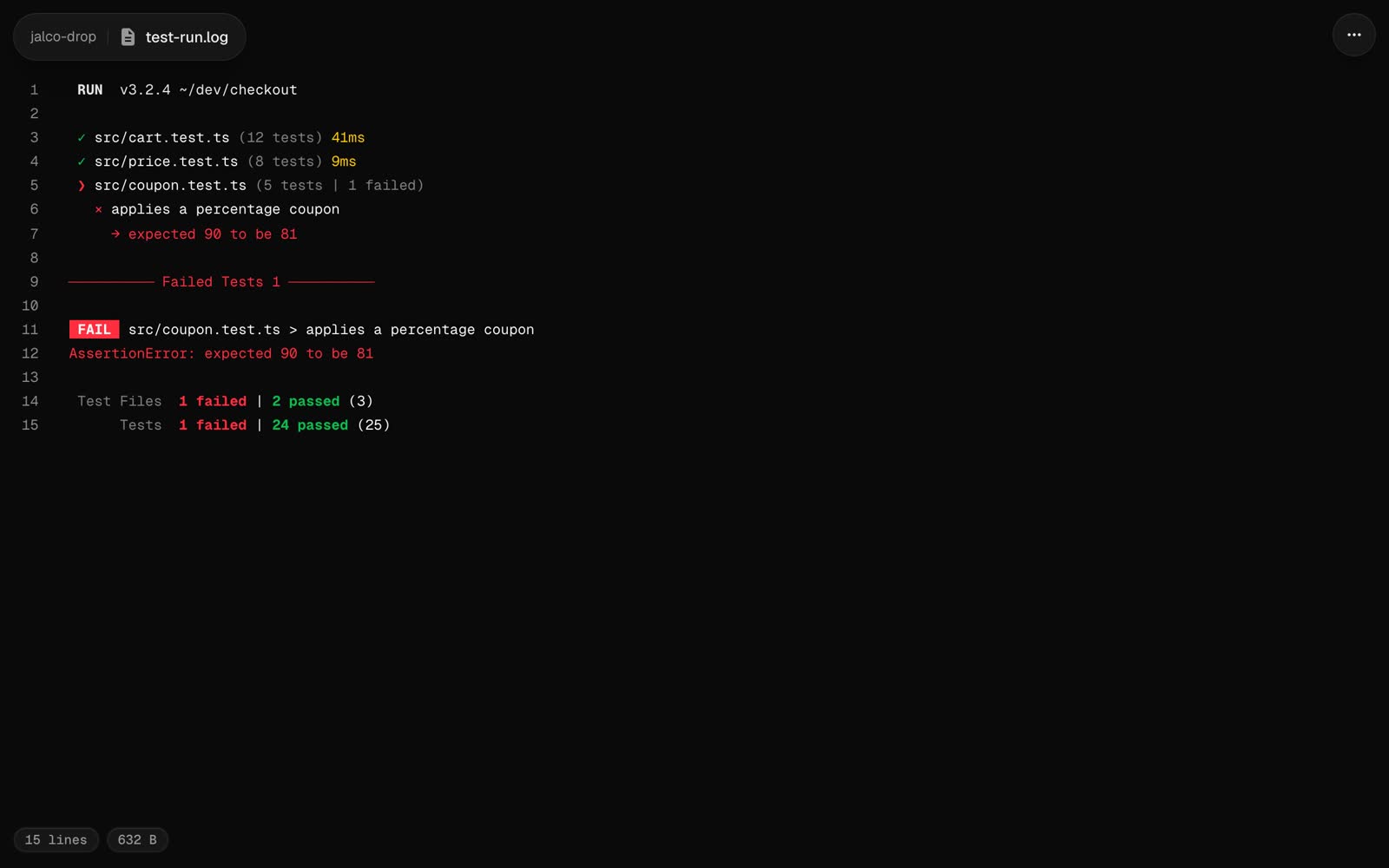
Text with terminal colour codes keeps its colours, whatever the file is called. Most tools drop their colours when their output is piped, so ask for them:
```bash
FORCE_COLOR=1 npm test 2>&1 | jalco-drop -n test.log
```
 ## Size
Text files over 512 KB open as a download page instead of a preview. The raw file is at `//` either way.